




Shared hosting vs WordPress hosting – Starting a WordPress website involves several important decisions, and one of the earliest is choosing the right hosting service. Your hosting provider is where your website files, database, and content are stored so visitors can access them online. Because of this, the hosting environment you choose can influence how your website performs and how easy it is to manage.
For many beginners, the variety of hosting options can feel confusing at first. Hosting providers often offer multiple plans with different features, pricing structures, and levels of optimization. Without understanding what these options mean, it can be difficult to decide which hosting type is the most suitable for your website.
Before discussing hosting choices, it is also important to clarify which version of WordPress this article refers to. The WordPress discussed throughout this guide is WordPress.org, the self-hosted version of WordPress that allows you to install the software on your own hosting account. This version provides full control over plugins, themes, and website customization.
This is different from WordPress.com, which is a hosted platform where the infrastructure is managed for you. Because WordPress.com operates on its own hosting system, users do not typically choose separate hosting plans in the same way. For that reason, the hosting considerations explained in this article mainly apply to WordPress.org websites.
If you are still learning how WordPress works, it may be helpful to first understand the basics of the platform. I previously wrote another guide titled “What is WordPress?” where I explain how WordPress functions, why it is widely used, and the differences between WordPress.org and WordPress.com. Having a clear understanding of these concepts can make it easier to follow the rest of this guide.
Many website owners start thinking about hosting when they are preparing to launch a new blog, business website, or online project. The hosting environment will affect how your site runs, how easily it can grow, and what tools are available for managing it. Taking the time to understand your hosting options can help you make a more confident decision.
In the following sections, we will take a closer look at the two hosting options that are commonly considered for WordPress websites. Understanding how they work and what they offer will help you determine which hosting type best fits your needs and your website goals.
Shared Hosting vs WordPress Hosting
Before comparing these two hosting options, it is important to clarify that the discussion in this section is based on personal perspective and experience. The goal of this article is to help readers understand the considerations involved when choosing hosting for a WordPress website. However, the final decision will always depend on your own needs, preferences, and expectations.
The recommendations and explanations shared here should be seen as guidance rather than strict rules. Some website owners may find these suggestions helpful, while others may prefer a different approach based on their technical knowledge, budget, or long-term plans. Hosting environments can also vary between providers, which means individual experiences may differ.
You are free to follow the suggestions presented in this article or choose a different path that better fits your situation. Whatever decision you make regarding your hosting service, it is important to understand that every choice comes with its own advantages and potential risks. As the website owner, you are ultimately responsible for evaluating those risks and deciding which option works best for your site.
1. Shared Hosting

Shared hosting is one of the most common types of web hosting used for websites today. In this hosting environment, multiple websites are hosted on the same server and share its resources such as CPU, memory, and storage. Because the server costs are distributed among many users, shared hosting is usually the most affordable hosting option available.
This type of hosting is widely offered by many providers and is often marketed toward beginners or small website owners. Most shared hosting plans include essential tools such as a control panel, email accounts, and one-click software installers. These features make it easier for users to launch and manage a website without needing advanced technical knowledge.
For users who want to build a website using WordPress, shared hosting can usually support it without any problems. Many hosting providers include automatic WordPress installers that allow users to set up a WordPress website within a few minutes. This convenience is one of the reasons shared hosting remains a popular choice for beginners.
One of the biggest advantages of shared hosting is its low cost compared to other hosting types. Since the server resources are shared among multiple websites, the hosting provider can offer plans at a much lower price. This makes shared hosting an attractive option for individuals, bloggers, and small businesses with limited budgets.
Another advantage is the simplicity of server management. In most shared hosting environments, the hosting provider handles server maintenance, updates, and basic security configurations. This allows website owners to focus more on creating content and managing their website rather than dealing with technical server tasks.
Shared hosting also tends to come with user-friendly tools that simplify website management. Many providers offer graphical control panels that allow users to manage domains, databases, files, and emails in one place. This approach makes hosting accessible even for users who have never managed a server before.
However, shared hosting also comes with certain limitations due to the shared server environment. Since multiple websites use the same resources, heavy traffic on one site can sometimes affect the performance of others. This means website speed and stability may vary depending on overall server usage.
Another limitation is the restricted level of server control. Users typically cannot modify advanced server settings or install custom software on the server. These restrictions are implemented by hosting providers to maintain stability and security across all websites hosted on the same server.
Security can also be a concern in some shared hosting environments. Because multiple websites share the same server, vulnerabilities in one website could potentially affect others if the server is not properly isolated. This is why choosing a reliable hosting provider with strong security measures is important.
Shared hosting is generally recommended for websites that do not require large amounts of server resources. Personal blogs, small business websites, portfolio sites, and informational websites often run perfectly well on shared hosting. Websites that are still growing or receiving moderate traffic can also benefit from this type of hosting.
For many new website owners, shared hosting provides a practical starting point. It allows them to launch their website with minimal costs while learning how website management works. As the website grows and traffic increases, they can later upgrade to more powerful hosting solutions if needed.

If you are looking for an affordable shared hosting service, Bluehost offers plans that include several useful features for website owners. Their shared hosting packages provide a free domain name, SSD storage for better performance, free malware scanning by SiteLock, and a 30-day money-back guarantee if you decide to cancel the service.
>>> Visit Bluehost <<<
2. WordPress Hosting

WordPress hosting is a type of hosting environment specifically designed for websites built with WordPress. Unlike general hosting services, this hosting setup is optimized to handle the way WordPress stores content, processes requests, and loads website resources. These optimizations often focus on improving speed, stability, and compatibility with WordPress features.
Hosting providers that offer WordPress hosting usually configure their servers to work efficiently with WordPress websites. This may include specialized caching systems, database optimization, and performance tuning for PHP. These adjustments can help WordPress websites load faster and run more consistently under normal traffic conditions.
Many WordPress hosting services also provide tools that simplify website management. These tools can include automatic WordPress installation, automatic updates, built-in caching systems, and integrated security features. The goal is to reduce the technical work required to maintain a WordPress website.
Security is another area where WordPress hosting often provides additional benefits. Because WordPress is widely used, it can also be a common target for attacks. Some WordPress hosting providers implement firewall rules, malware scanning, and monitoring systems designed specifically to protect WordPress websites.
Another common feature included in WordPress hosting is automatic backups. These backups allow website owners to restore their site if something goes wrong, such as a failed update or configuration issue. Some providers also include staging environments that allow users to test changes before applying them to the live website.
However, WordPress hosting may also have certain limitations compared to general hosting services. Since the server environment is optimized specifically for WordPress, it may not support other website platforms or custom applications. This means it is generally intended for websites that rely entirely on WordPress.
Another factor to consider is the price. WordPress hosting plans are usually more expensive than basic shared hosting because they include additional optimizations and management tools. For small personal websites with minimal traffic, the additional cost may not always be necessary.
WordPress hosting is commonly used by websites that require stable performance and WordPress-specific support. Business websites, professional blogs, online stores, and membership platforms often benefit from hosting environments optimized for WordPress. These websites may require faster loading speeds, better scalability, and stronger security.
Several well-known hosting providers offer WordPress hosting services with different performance levels and features. Some providers focus on simplicity and managed services, while others focus on high performance and scalability. Choosing the right provider often depends on the type of website you plan to run.
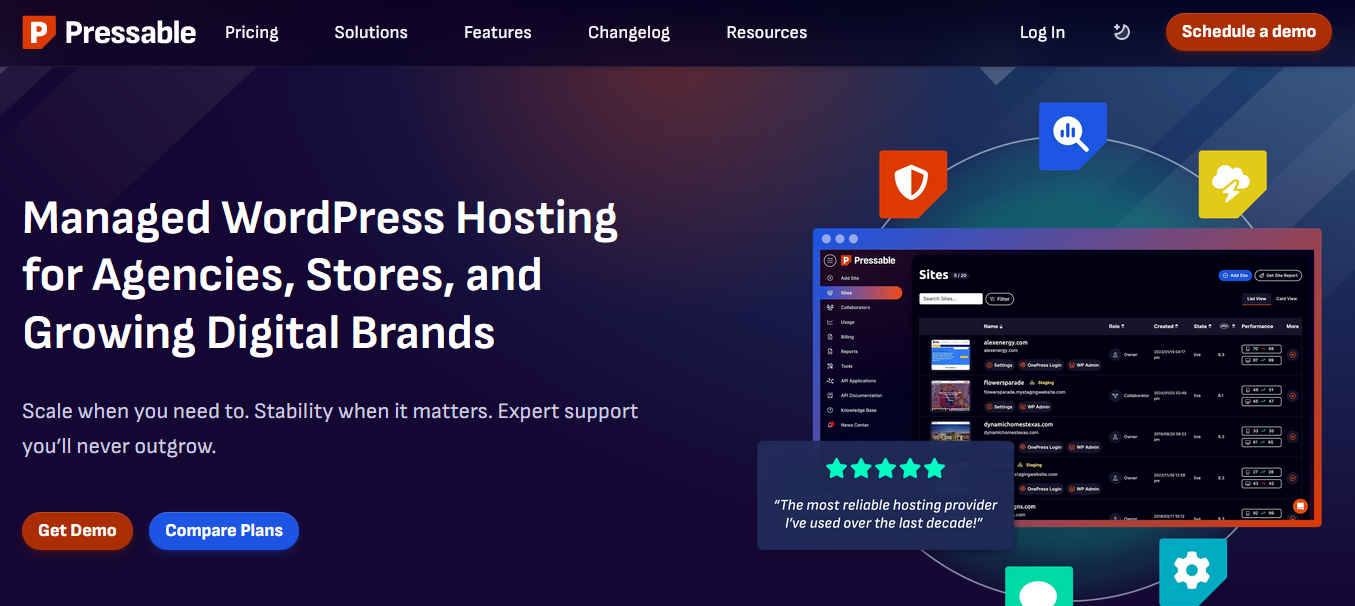
For example, Pressable is a managed WordPress hosting provider that focuses on simplicity and reliability. It can be suitable for business websites, professional blogs, agency projects, and websites that need a stable managed WordPress environment without requiring extensive technical management.
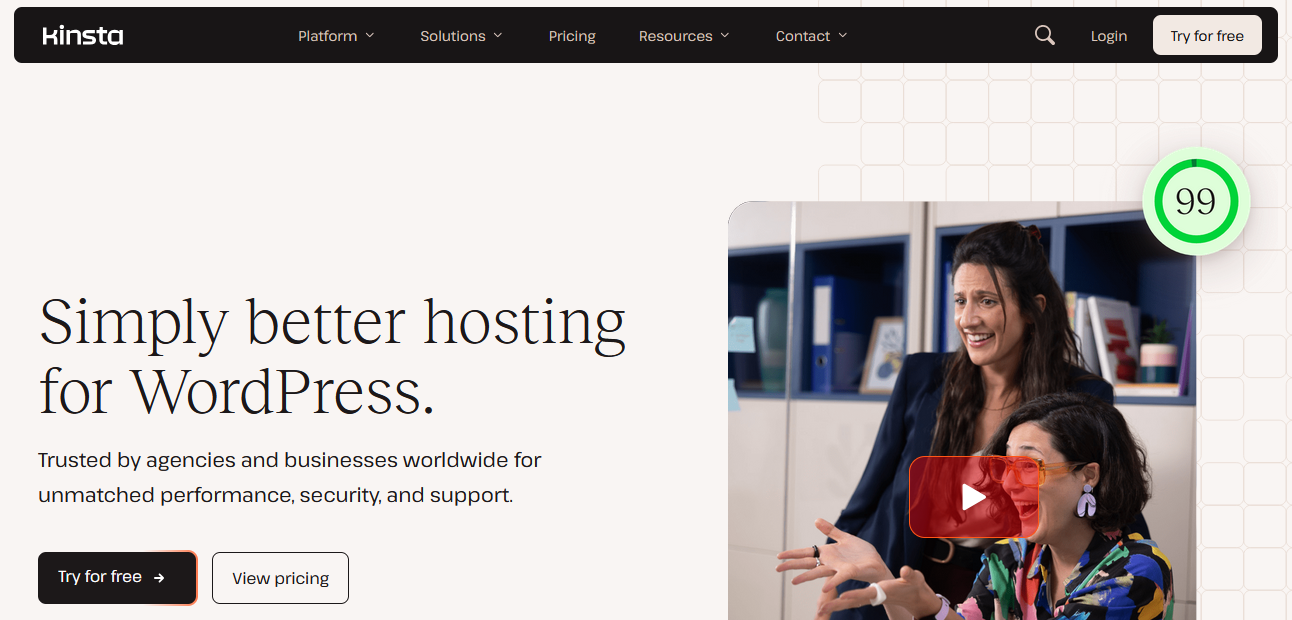
Another popular WordPress hosting provider is Kinsta, which is known for its performance-focused infrastructure. Kinsta hosting is often used for high-traffic blogs, WooCommerce stores, membership websites, and other WordPress projects that require strong performance and scalability. These types of websites may benefit from the optimized infrastructure and performance tools provided by the platform.
>>> Visit Pressable <<< | >>> Try Kinsta 1 Month Free <<<
Final Thoughts
Choosing between shared hosting and WordPress hosting ultimately depends on the needs and goals of your website. Each hosting type offers different advantages depending on how your site is built, how much traffic it receives, and how much control you want over the hosting environment. Understanding these differences can help you select a hosting solution that better supports your website in the long run.
For many beginners, shared hosting is often the simplest and most affordable way to start a WordPress website. It provides the basic infrastructure needed to run a website without requiring extensive technical knowledge. As long as the website does not require large amounts of server resources, shared hosting can often handle it without major issues.
WordPress hosting, on the other hand, is designed specifically for websites that rely heavily on WordPress features and performance. With optimizations tailored for WordPress, this hosting environment may offer better speed, security, and convenience for certain types of websites. Websites that expect higher traffic or require more stable performance may benefit from these specialized environments.
At the same time, there is no single hosting solution that works best for every website. Some website owners prefer the affordability and flexibility of shared hosting, while others prioritize the optimized performance offered by WordPress hosting. The best choice will usually depend on your website’s size, complexity, and long-term plans.
Regardless of which hosting option you choose, it is important to select a reliable hosting provider and understand the features included in your hosting plan. Taking the time to evaluate your options can help ensure that your website runs smoothly and remains accessible to visitors. With the right hosting foundation, managing and growing a WordPress website becomes much easier over time.