



Best WordPress.com plugins for bloggers – At some point, every blogger hits that moment where the default setup just doesn’t feel enough anymore. Your blog is running fine, but you start thinking, “Can I improve this somehow?” It’s not about rebuilding everything. It’s just about making things work a bit better.
That’s usually when plugins enter the picture. Not because you have to use them, but because they solve very specific problems. Things like improving search visibility, adding extra features, or making your site easier to manage. They’re more like add-ons than essentials.
The tricky part is that plugin recommendations can feel messy. You’ll see a lot of “top 50 plugins” type of lists, and honestly, most bloggers don’t need that many. It becomes hard to tell what’s actually useful and what’s just noise. Especially if you’re still new.
Then there’s the WordPress.com factor. Plugin access isn’t something you automatically get from day one. Depending on your plan, you might not even see the option at all. This is where expectations and reality don’t always match.
Once plugins are available to you, the experience changes quite a bit. You can start shaping your blog in a more intentional way. Not just how it looks, but how it functions behind the scenes. That’s where things start to feel more flexible.
What matters here isn’t quantity, but relevance. A few well-chosen plugins can quietly improve how your blog runs without getting in your way. The rest usually end up unused.
Best WordPress.com Plugins for Bloggers
Before getting into the list, there’s one thing you need to know first. If you want to use plugins on WordPress.com, you’ll need to be on a paid plan. Plugin access isn’t available on the free version, so this is a step you can’t skip. The good news is, you can start with the Personal plan if you’re just testing things out.
That said, if you’re planning to grow your blog seriously, it makes more sense to go straight to the Premium plan. You get more features to work with, and your site feels less limited overall. One of the biggest advantages here is access to WordAds. This is WordPress.com’s built-in advertising program that allows you to earn money by displaying ads on your site.
If you’re not familiar with how to set things up, don’t worry. The process itself is pretty straightforward once you know where to click. I’ve already covered the steps in another guide: “How to Install Plugins on WordPress.com”. It’ll walk you through everything without making it feel complicated.
Now, when it comes to choosing plugins, it’s easy to fall into the trap of installing too many. You might see a long list and feel like you need all of them to run a proper blog. In reality, that’s rarely the case. Most blogs only rely on a handful of plugins that actually support what they’re trying to do.
So as you go through the recommendations below, think about what you actually need right now. You can always add more later as your blog grows. It’s better to keep things simple and only use what makes sense for your setup.
1. Rank Math SEO
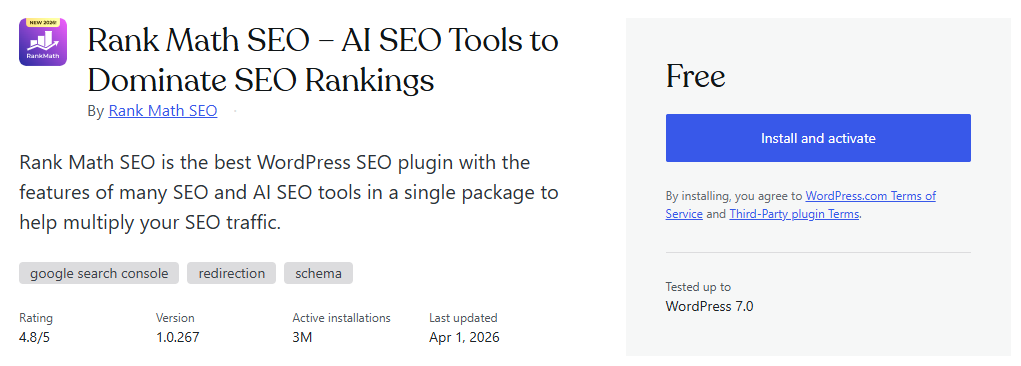
Rank Math SEO is one of the most popular choices if you want to take your blog’s SEO more seriously. It helps you optimize your posts while you’re writing, so you’re not just publishing and hoping for the best. You’ll get suggestions about keywords, structure, and overall readability. It’s a practical way to learn SEO as you go.
What makes Rank Math interesting is how much it offers in the free version. You can optimize up to five keywords per post, connect your site with Google Analytics, and use features like Instant Indexing and redirection. It also includes basic WooCommerce SEO support if you’re running a simple store. For a free plugin, that’s already more than enough for most bloggers.
If you decide to upgrade, the Pro version unlocks a lot more. You can use it on unlimited websites and optimize unlimited keywords. It also adds keyword rank tracking, advanced Google Analytics integration, and even Google Trends integration. These features are more useful once you start focusing on growth and data.
There are also some advanced tools included in the Pro plan. Features like Link Genius help with internal linking, while Video Sitemap and News Sitemap are useful for specific types of content. You also get trial credits for Rank Math Content AI, which can assist with content optimization. These are not must-haves in the beginning, but they can be valuable later.
If you want a full setup walkthrough, you can check my other article, “Rank Math SEO Guide”. Even though that guide shows WordPress.org, the steps are basically the same on WordPress.com. Once you understand how it works, you’ll be able to use it without much trouble.
2. PrettyLinks
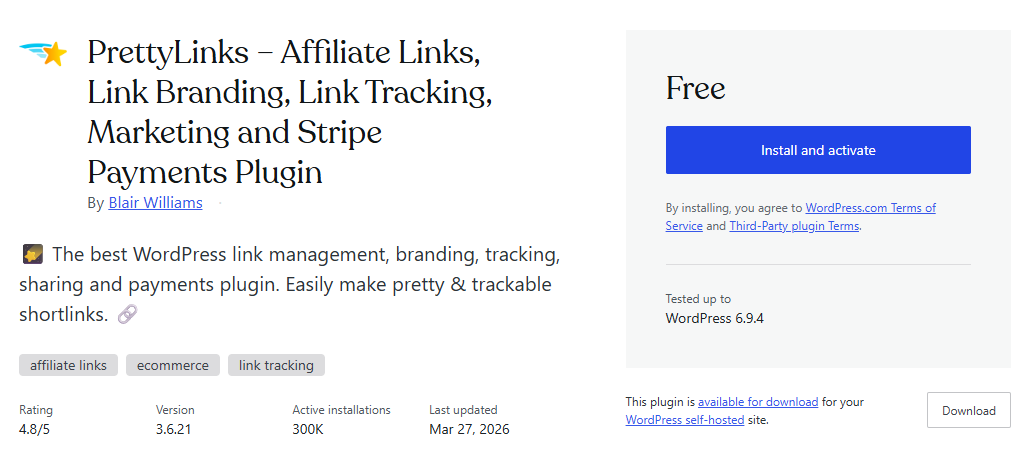
PrettyLinks is a useful plugin if you ever share links on your blog, especially affiliate links. Instead of posting long, messy URLs, you can turn them into clean and readable links. For example, something like yourblog.com/recommendation looks much better than a random string of characters. It also feels more trustworthy to readers.
This becomes important once you start monetizing your blog. Affiliate links can look suspicious or confusing, especially if they’re too long. With Pretty Links, you can manage and organize all your links in one place. You’re not just pasting links anymore – you’re actually managing them.
Another helpful feature is link tracking. You can see how many times a link is clicked, which gives you a better idea of what’s working. This is especially useful if you’re writing reviews or recommending products. Over time, you can learn which links get attention and which ones don’t.
Pretty Links is a freemium plugin. The free version already covers the basics like link cloaking and tracking. If you upgrade, you get more advanced features like automatic keyword linking and deeper reporting. But for most bloggers, the free version is a good starting point.
This plugin isn’t something everyone needs from day one. But if you plan to use affiliate links or share external resources often, it can make your blog look cleaner and more organized.
Ready to unlock plugin access on your WordPress.com site? Start with a paid plan today.
3. Smush
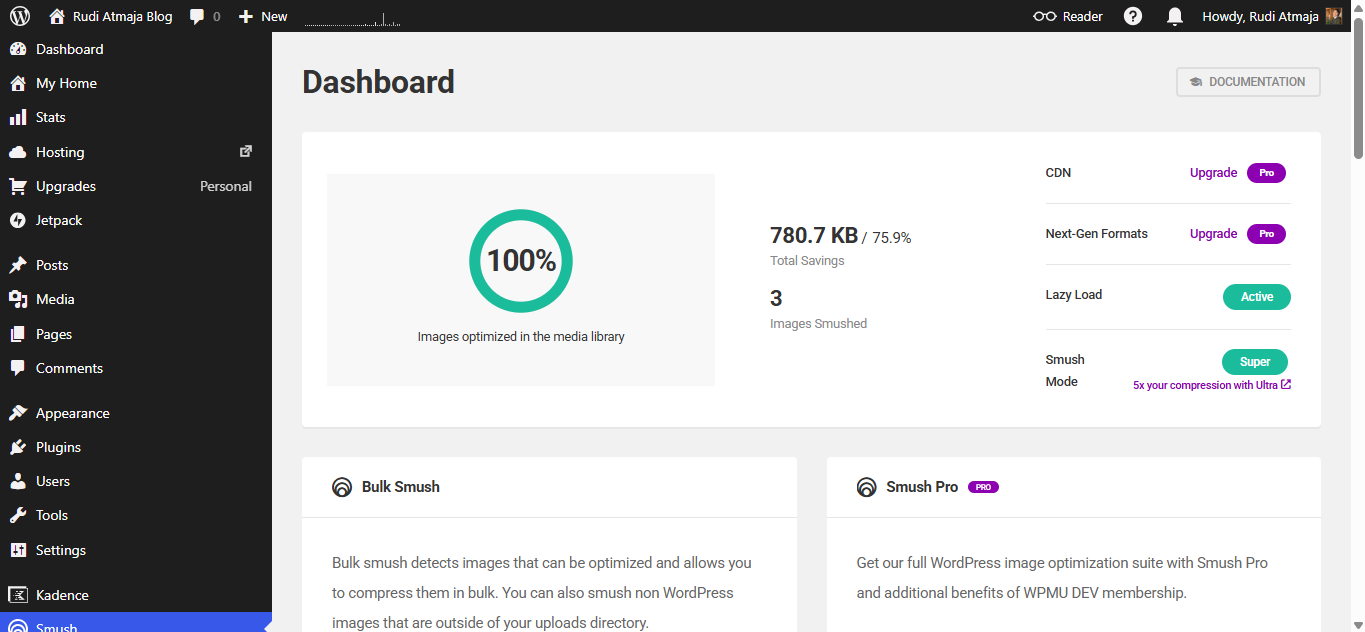
Smush is a plugin focused on image optimization, but it goes a bit deeper than just basic compression. If your blog relies heavily on images, this is one of the tools that can help you manage them more efficiently. Instead of manually resizing or compressing files before upload, everything can be handled automatically. It fits well into a workflow where you just upload and move on.
In the free version, Smush includes lossless image compression, bulk optimization (up to a certain limit per batch), and lazy loading. It also strips unnecessary metadata from images to reduce file size. You can optimize images as you upload them or run it in bulk for existing media. For most blogs, these features already cover the essentials.
The Pro version adds more aggressive compression with lossy optimization, which can reduce file sizes even further. It also removes limits on bulk optimization, supports larger file sizes, and includes CDN integration for faster global delivery. Another addition is automatic resizing based on set dimensions. These features are more useful if your site has a lot of media or higher traffic.
One detail that often matters is how much control you get. Even in the free version, you can choose how images are optimized and whether certain features are enabled. The Pro version just expands that control and removes restrictions. So it’s less about unlocking basic functionality and more about scaling it.
If you’re trying to keep your media library efficient without changing your workflow too much, Smush is one of the more practical plugins to consider.
4. Easy Table of Contents
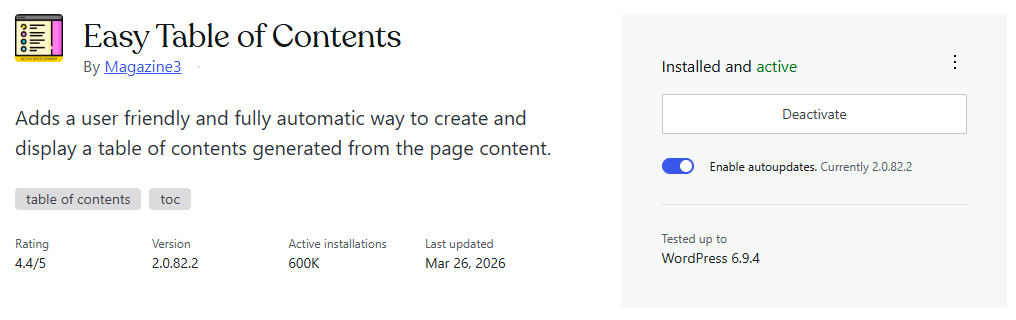
Easy Table of Contents is a plugin designed to automatically generate a table of contents based on your headings. If you often write long-form content, this can make your posts much easier to navigate. Readers can jump to specific sections instead of scrolling through everything. It also makes your articles feel more structured.
In the free version, you get automatic TOC generation, support for multiple heading levels, and flexible placement options. You can choose to display it before or after content, or insert it manually using a shortcode. It also includes basic styling settings like width, alignment, and list style. For most blogs, these features are already enough.
You’ll also get options to control where the TOC appears. For example, you can enable it only for posts, pages, or specific post types. There’s also a setting to show the TOC only when a post has a certain number of headings. This helps keep things clean on shorter articles.
The Pro version adds more advanced customization and control. This includes better design options, more styling presets, and deeper control over how the TOC behaves. It also includes features like advanced heading control and improved compatibility for complex layouts. These are more useful if you want a more polished look.
If your blog content is mostly short, you might not use this often. But for longer posts, it helps readers scan your content quickly and find what they’re looking for.
5. Mailchimp for WordPress
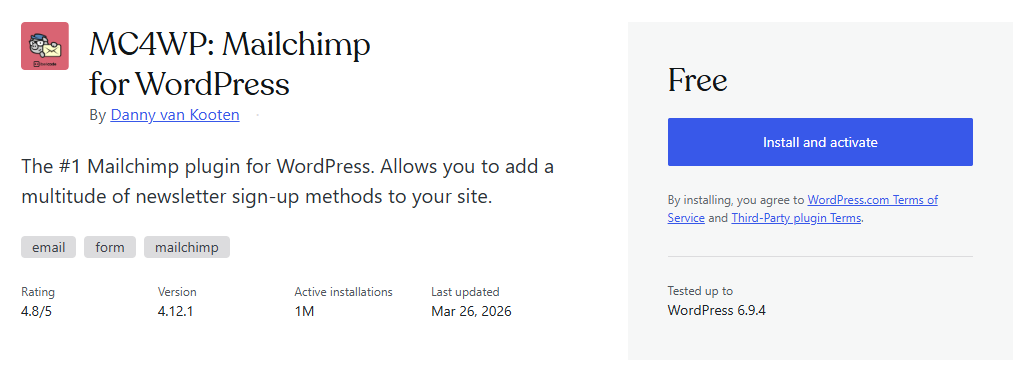
Mailchimp for WordPress is a plugin that helps you connect your blog with your email list. If you’re planning to collect emails from your readers, this is one of the more straightforward ways to do it. Instead of just relying on traffic, you can start building an audience you can reach anytime. That’s usually where blogging starts to feel more sustainable.
In the free version, you can create signup forms and connect them directly to your Mailchimp account. It supports basic form customization, multiple form types, and integration with comment forms or checkout pages. You can also manage lists and collect subscriber data without much setup. For many bloggers, this already covers the essentials.
The plugin also works well with other tools on your site. You can place forms in posts, widgets, or pop-ups depending on how you want to collect emails. Everything stays fairly simple, so you’re not dealing with too many moving parts. It’s designed to fit into your existing workflow.
The premium version adds more advanced features like detailed reporting, custom form styling, and additional integrations. You also get options for automation and more control over how your forms behave. These features are more useful once you start focusing on email marketing seriously. It’s not something you need right away.
If you’re not planning to build an email list, you might not need this plugin at all. But once you start thinking beyond just publishing content, having a way to collect and manage emails becomes important.
If you’re planning to make your blog look more professional, every paid WordPress.com plan includes 3 months of free professional email, and it’s completely free for the first year if you choose the Business plan. This email service is powered by Titan, allowing you to send and receive emails using your custom domain, with 30GB storage plus built-in email, calendar, and contact features.
6. Elementor
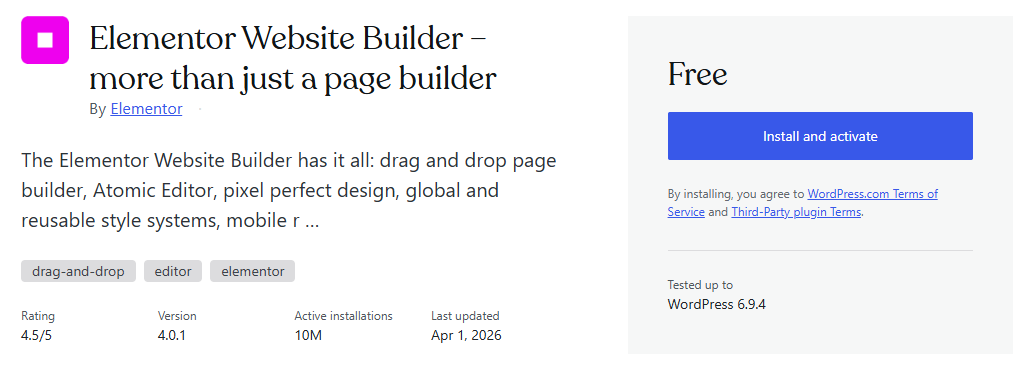
Elementor is a page builder plugin that lets you design pages using a drag-and-drop interface. Instead of relying only on the default editor, you can visually arrange sections, columns, and elements exactly how you want. It’s often used for landing pages, homepages, or any page that needs a more custom layout. You can see the changes in real time as you build.
In the free version, you get access to a basic drag-and-drop builder, essential widgets (like headings, images, buttons), and a few layout controls. It’s enough to create simple but clean page designs. Many bloggers use it to build a homepage or a custom about page. You don’t need design experience to get something decent.
The Pro version expands this quite a bit. You get advanced widgets, theme builder features, popup builder, and deeper customization options. It also includes integrations with marketing tools and more design flexibility. This is where Elementor becomes more powerful, especially for business-focused sites.
One thing to keep in mind is that WordPress.com already has its own block editor, which is quite capable for most blogging needs. So you don’t always need a page builder plugin. Elementor is more useful if you want full control over layouts beyond the default editor.
If your blog design is simple, you might not use this often. But if you want more control over how your pages look without touching code, Elementor is one of the more popular options.
Final Thoughts
By this point, you’ve probably noticed that plugins are less about adding everything and more about choosing what actually supports your blog. It’s easy to feel like you need a long list of tools, especially when you’re just getting started. In reality, most blogs only rely on a handful of plugins that they use consistently. The rest usually end up unused.
It also helps to keep your setup simple in the beginning. You don’t need to install everything at once or try every feature available. Start with what solves an immediate need, then adjust as your blog grows. This approach makes your site easier to manage over time.
Another thing to remember is that WordPress.com already includes quite a few built-in features. So before installing a new plugin, it’s worth checking whether you already have something similar available. This can save you time and keep your dashboard less cluttered. Not every problem needs a new plugin.
As you continue building your blog, your needs will naturally change. What feels unnecessary now might become useful later. The key is to stay flexible and only add tools when they actually serve a purpose.