


What is WordPress – If you’ve ever thought about creating your own website, chances are you’ve heard the name WordPress come up more than once. It’s mentioned in blog tutorials, recommended by YouTubers, and often suggested as the go-to solution for building a website. But what exactly is WordPress, and why do so many people use it?
For beginners, the world of website creation can feel overwhelming. There are terms like hosting, domains, themes, plugins, and coding languages being thrown around everywhere. It’s easy to feel stuck before you even start. The good news? WordPress was created to make building a website much more accessible – even if you have zero technical background.
Today, WordPress powers millions of websites across the internet, from personal blogs to large business sites. In fact, it has become one of the most popular website platforms in the world. Its flexibility and ease of use are big reasons why beginners and professionals alike choose it as their foundation.
However, here’s where many new users get confused. When people say “WordPress,” they might actually be referring to two different things: WordPress.com and WordPress.org. At first glance, they sound almost identical. But in reality, they offer different levels of control, customization, and responsibility.
This small difference in domain extension – .com versus .org – can have a big impact on how you build and manage your website. Choosing the wrong one for your needs could mean unexpected limitations or extra costs down the road. That’s why understanding the difference early on is so important.
If you’re just getting started, you don’t need complicated technical explanations. What you really need is a clear, simple breakdown that helps you understand what WordPress is, how it works, and which version fits your goals best – whether you’re starting a personal blog, an online portfolio, or a small business website.
In this guide, we’ll walk through everything step by step in plain, beginner-friendly language. By the end, you’ll not only understand what WordPress is, but you’ll also feel confident choosing between WordPress.com and WordPress.org for your very first website.
What is WordPress?
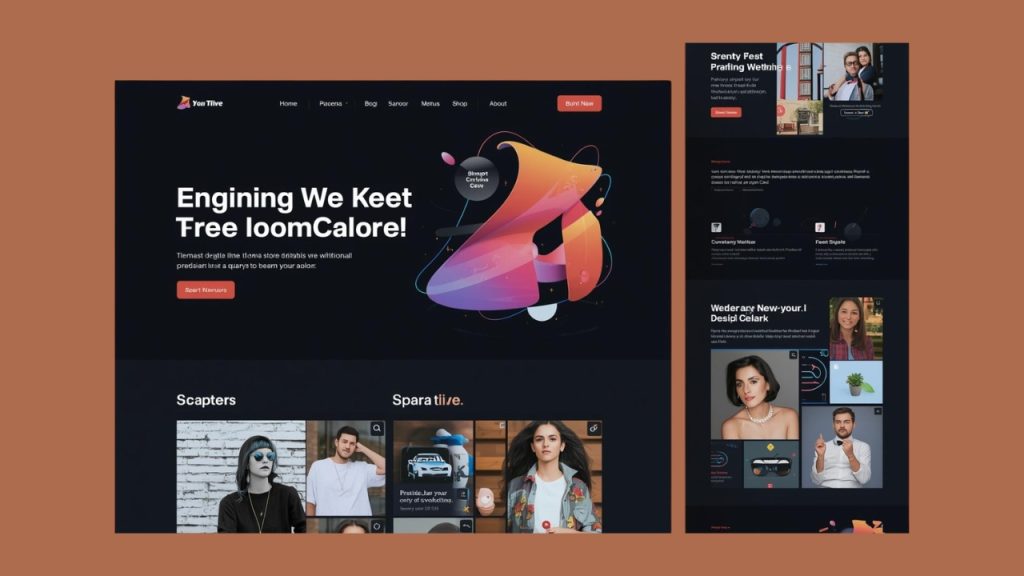
WordPress is a content management system (CMS), which is a tool that helps you build and manage a website without needing to write code from scratch. Instead of manually creating web pages using HTML, CSS, or JavaScript, WordPress gives you a dashboard where you can create pages, write blog posts, upload images, and customize your design using a visual interface.
At its core, WordPress is built with PHP and uses a database (usually MySQL) to store your content. But as a beginner, you don’t need to worry about the technical side. What matters is that WordPress separates content from design. That means you can change how your website looks without rewriting everything, and you can update your content without touching any code.
One of the reasons WordPress is so popular is its flexibility. You can start with a simple blog and later turn it into a full business website. The platform uses themes to control design and plugins to add features. Think of themes as your website’s outfit and plugins as extra tools that give your website new abilities, like contact forms, SEO tools, or online store functionality.
With WordPress, you can create personal blogs where you share stories, opinions, or tutorials. Many writers, travelers, food bloggers, and hobbyists use WordPress to publish content regularly. It’s especially strong for blogging because it was originally built as a blogging platform, so managing posts and categories is very easy.
You can also build business websites, including company profiles, service-based websites, and landing pages. Small businesses often use WordPress to showcase their services, display testimonials, share portfolios, and provide contact information. It works well for consultants, agencies, photographers, and freelancers who need a professional online presence.
If you want to sell products online, WordPress can be used to create e-commerce websites. With the right tools, you can build an online store that sells physical products, digital downloads, or even services. Many online shops, from small handmade stores to large product catalogs, are powered by WordPress.
WordPress is also capable of handling more complex websites like membership sites, online course platforms, news portals, forums, and community websites. You can restrict content to members only, create learning modules, allow user registration, and publish large volumes of articles. Its ecosystem makes it adaptable to many different needs.
However, there are certain types of platforms that WordPress is not ideal for building on its own. For example, highly complex web applications like advanced SaaS platforms (such as custom accounting software or project management systems like Trello), large-scale social networks like Facebook, or real-time streaming platforms like Netflix usually require custom-built systems with specialized infrastructure.
WordPress is also not designed to build operating systems, mobile apps, or desktop software. While it can connect with mobile apps and other systems through APIs, it is fundamentally a website-building platform. If your goal is to develop a fully custom application with very specific backend logic and heavy real-time processing, you would likely need a different framework or a fully custom development approach.
That said, for the vast majority of websites you see online – blogs, company websites, portfolios, online stores, educational platforms, and content-driven sites – WordPress is more than capable. Its balance between ease of use and powerful customization is what makes it one of the most widely used website platforms in the world.
WordPress.com vs WordPress.org
At this point, you already understand what WordPress is and what it can do. But here’s where many beginners start to feel confused. When someone says “I use WordPress,” they could actually mean two different things—and that difference matters more than you might think.
Although the names sound almost identical, WordPress.com and WordPress.org are not the same product. They are built around the same core software, but they offer very different experiences when it comes to setup, control, flexibility, and responsibility. For beginners, this can be surprisingly confusing at first.
The main difference comes down to how your website is hosted and how much control you have over it. One option is more beginner-friendly and hands-off, while the other gives you full ownership and customization freedom – but also requires a bit more involvement from your side.
Before choosing which one to use, it’s important to understand how each platform works, what you get with it, and what limitations might come with it. Let’s start by looking at WordPress.com and how it works.
1. WordPress.com
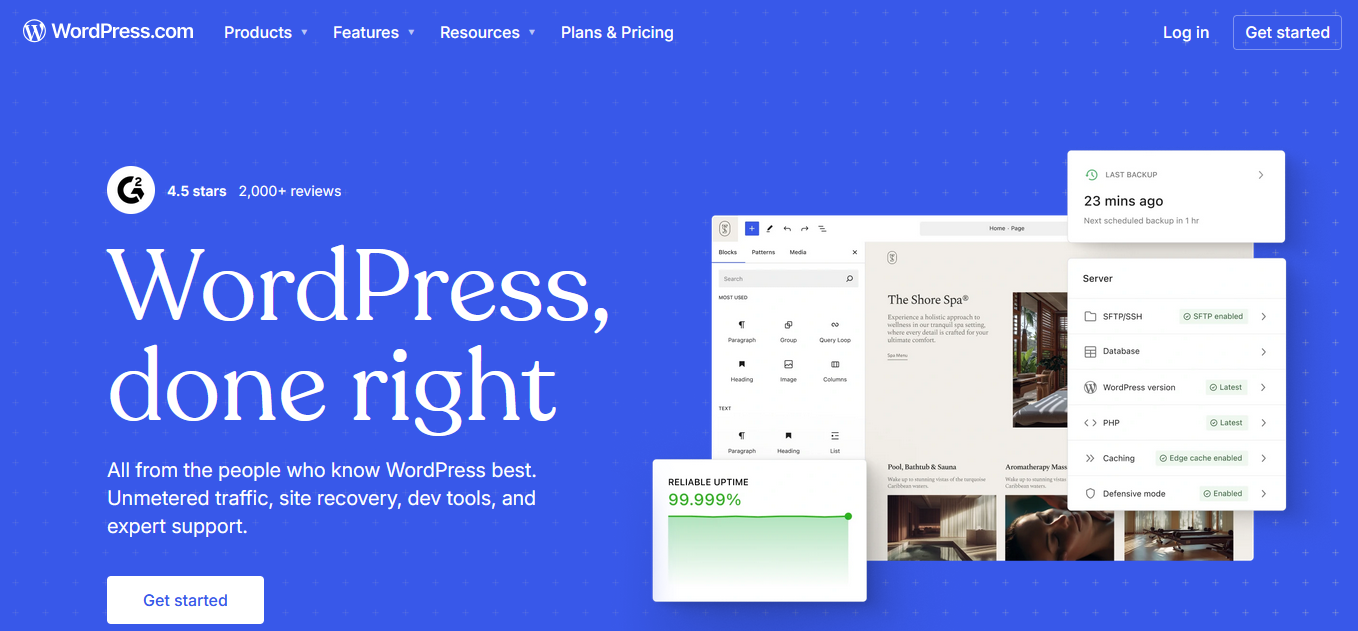
WordPress.com is a hosted website-building platform that allows you to create a website without handling technical setup yourself. When you register, your website is automatically hosted on their servers, so you don’t need to buy separate hosting or install software manually. Everything from server configuration to basic performance management is handled for you in the background.
The onboarding process is designed to be beginner-friendly and straightforward. After creating an account, you can choose your site name, select a theme, and start customizing your pages in just a few clicks. The dashboard is clean and guided, which makes it less intimidating for people who are building a website for the first time.
One of the biggest advantages of WordPress.com is convenience. You don’t need to worry about updates, backups, or security patches because the platform manages those automatically. This makes it ideal for users who want to focus purely on creating content instead of dealing with technical maintenance.
Another strong benefit is the availability of a free plan. With this option, you can launch a simple website without paying upfront costs. This makes it attractive for hobby bloggers, students, or anyone who wants to test an idea before investing money.
Security is also a key strength of WordPress.com. Since the hosting environment is fully managed, the platform monitors threats and handles system updates centrally. You don’t need to install separate security plugins or constantly monitor vulnerabilities yourself.
However, this simplicity comes with certain limitations. On lower-tier plans, you cannot install custom third-party plugins, which can restrict advanced functionality. If you want access to more powerful tools, you’ll need to upgrade to a higher subscription plan.
Branding can also be a drawback on the free version. Your domain name will include “wordpress.com,” which may not look as professional for business use. To use a custom domain name, you need to subscribe to a paid plan.
Customization flexibility is another area where limitations appear. While you can choose from a wide selection of themes, deep design changes and advanced custom code access are restricted on lower plans. Users who want full creative control may find these restrictions frustrating over time.
Monetization options are also tied to your subscription level. If you plan to run ads, integrate advanced analytics, or build a more complex online store, you may need to upgrade your plan. This can increase long-term costs compared to other solutions.
In terms of ownership, you don’t have full control over the hosting environment. Because your site runs on WordPress.com’s infrastructure, you must follow their terms of service. If your content violates their policies, your website could be suspended or removed.
For beginners who want a simple blog, portfolio, or basic company website, WordPress.com can feel very practical. It removes technical complexity and reduces the risk of breaking something by mistake. The structured system can provide peace of mind for users who prefer an all-in-one solution.
At the same time, users who want complete flexibility, unrestricted customization, and total control over their website may eventually feel limited. As your website grows, you might find yourself needing features that require higher-tier plans. Understanding both the strengths and weaknesses helps you decide whether WordPress.com matches your long-term goals.
2. WordPress.org
WordPress.org refers to the self-hosted version of WordPress that you can download and install on your own web hosting. Unlike fully hosted platforms, this option gives you full access to the WordPress software. However, you are responsible for arranging your own hosting provider and domain name before your website can go live.
When using WordPress.org, you install the WordPress software on a hosting account that you pay for separately. Many hosting providers offer one-click WordPress installation, which makes the process easier than it sounds. Even though there are a few extra steps compared to hosted solutions, most beginners can follow tutorials and set it up without advanced technical skills.
One of the biggest advantages of WordPress.org is full control. You can install any theme or plugin you want without restrictions. This gives you complete freedom to customize your website’s design and functionality according to your specific needs.
Read Also: WordPress Themes vs Plugins
Another major strength is flexibility. Whether you want to create a blog, business website, online store, membership site, or even a complex content platform, you have almost unlimited possibilities. You are not limited by subscription tiers that restrict certain features.
Monetization freedom is also a key benefit. You can run ads, affiliate links, sponsored content, or any monetization strategy without needing approval from a platform provider. This makes WordPress.org especially attractive for bloggers, entrepreneurs, and online business owners.
Because WordPress.org is open-source software, developers around the world continuously improve it. There are thousands of free and premium themes and plugins available in the ecosystem. This massive community support makes it easier to find solutions, tutorials, and technical help.
However, with great control comes greater responsibility. You are responsible for maintaining your website, including updates, backups, and security measures. If something breaks, you are the one who needs to fix it or contact your hosting provider for support.
Security management is another important consideration. While WordPress itself is secure, you must actively keep your themes and plugins updated. Failing to maintain your site properly can make it vulnerable to hacking or performance issues.
There are also costs involved beyond just hosting. You may choose to purchase premium themes, premium plugins, or professional services for design and optimization. Although the core software is free, building a high-quality website can require financial investment over time.
The learning curve can feel slightly steeper compared to fully managed platforms. Since you have more options and settings, it may take time to understand how everything works. Beginners might feel overwhelmed at first, especially when dealing with hosting settings or troubleshooting errors.
On the positive side, this learning experience can be empowering. As you manage your own website, you gain a deeper understanding of how websites function. Over time, tasks that once felt technical can become routine and manageable.
For users who want complete ownership, maximum flexibility, and long-term scalability, WordPress.org offers significant advantages. It gives you the freedom to grow your website without platform-imposed limitations. At the same time, it requires commitment to managing and maintaining your site properly.
Final Thoughts: Which One Should You Choose?
By now, you’ve seen that both WordPress.com and WordPress.org are built on the same core software, but they offer very different experiences. One focuses on simplicity and convenience, while the other emphasizes control and flexibility. Understanding this difference is the key to making a confident decision.
If you want something quick, simple, and low-maintenance, WordPress.com can be a comfortable starting point. You don’t need to think about hosting, security, or technical updates. It allows you to focus on creating content and launching your website without dealing with too many moving parts.
On the other hand, if you want full ownership, unlimited customization, and complete freedom to grow your website however you like, WordPress.org may be the better fit. It gives you more power, but it also requires more responsibility. You’ll need to manage hosting, updates, and security yourself or with the help of a professional.
There isn’t a single “best” choice for everyone. The right option depends on your goals, your budget, your technical comfort level, and how much control you want over your website. A personal blog and a growing online business may have very different needs.
The good news is that both options are beginner-friendly in their own ways. You can start small, learn as you go, and upgrade your approach later if your needs change. What matters most is taking the first step and building something that supports your goals.
At the end of the day, WordPress remains one of the most powerful and flexible website platforms available. Whether you choose the simpler route or the more customizable path, you’re using a system trusted by millions of websites worldwide. Now it’s just a matter of deciding which version aligns best with your vision.