


WordPress Themes vs Plugins – If you’ve been using WordPress for even a few days, you’ve probably seen two things pop up everywhere: themes and plugins. And if you’re being honest, you might still be a little confused about what each one actually does. Don’t worry — you’re not the only one. A lot of beginners mix them up at first.
You install a theme and suddenly your website looks completely different. You install a plugin and now your site can do something new. From the outside, they both seem like “add-ons” that change your website. So what’s the real difference? And more importantly, why does it even matter?
Here’s the thing: choosing the wrong tool for the wrong purpose can mess up your website in the long run. I’ve seen people rely on themes for features that should’ve been handled by plugins — and when they switch themes, half their site breaks. That’s the kind of headache we’re trying to avoid.
If you’re using the self-hosted version of WordPress from WordPress.org, you have full freedom to install any theme or plugin you want. That flexibility is powerful — but only if you understand how each piece fits into the bigger picture.
Think of your WordPress site like a smartphone. The theme is the overall design — how everything looks and feels. Plugins are the apps you install to add new functions. Once you see it that way, things start to click.
But even that comparison doesn’t tell the whole story. Modern themes sometimes bundle features. Some plugins affect design. And page builders blur the line even more. So yeah, it can get messy if no one explains it properly.
In this beginner-friendly guide, we’re going to clear up the confusion once and for all. By the end, you’ll know exactly what themes do, what plugins do, and how to use both without sabotaging your own website.
WordPress Themes vs Plugins
So let’s break this down properly. When people talk about customizing a WordPress website, they usually mention themes and plugins in the same sentence. But even though they both “add” something to your site, they play completely different roles behind the scenes.
At a basic level, themes are responsible for how your website looks, while plugins are responsible for what your website can do. One controls the design and layout. The other adds features and functionality. Simple in theory – but in real-world use, the lines can sometimes feel blurry, especially with modern all-in-one themes and powerful page builder plugins.
That’s why it’s important to clearly separate these two concepts in your mind. When you understand their core purpose, you’ll make smarter decisions about what to install, what to rely on, and what won’t break your site if you decide to redesign it later. Now, let’s start with the first piece of the puzzle: WordPress themes.
1. WordPress Themes
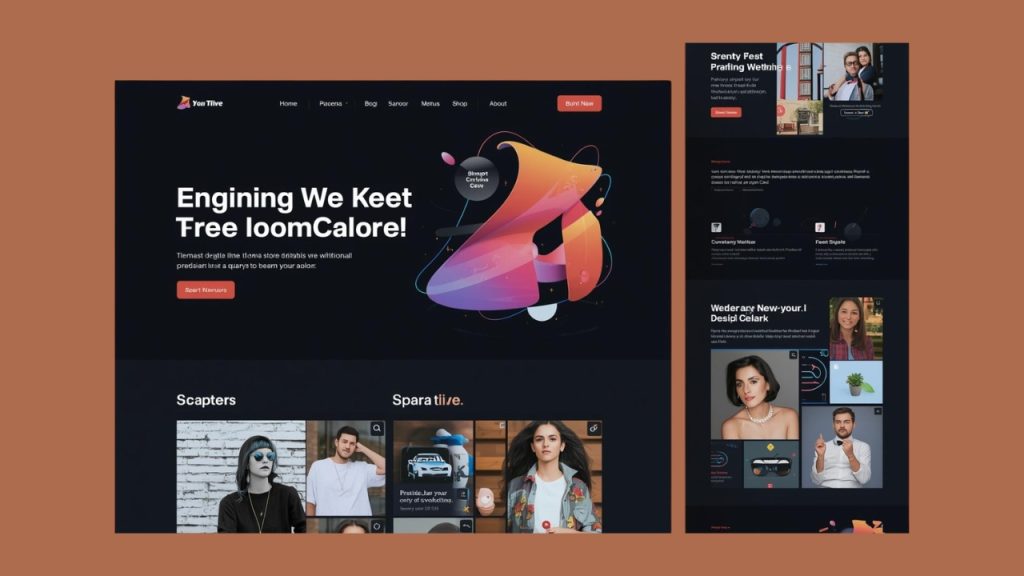
A WordPress theme controls the visual appearance of your website. It determines the layout, typography, colors, header style, footer structure, blog design, and overall page structure. When you activate a theme in WordPress, your site’s design changes instantly without affecting your core content like posts and pages.
Themes work like a design layer that sits on top of your content. Your articles, images, and pages stay the same in the database, but the theme decides how they are displayed. For example, one theme might show your blog posts in a grid layout, while another displays them in a single-column format with a large featured image.
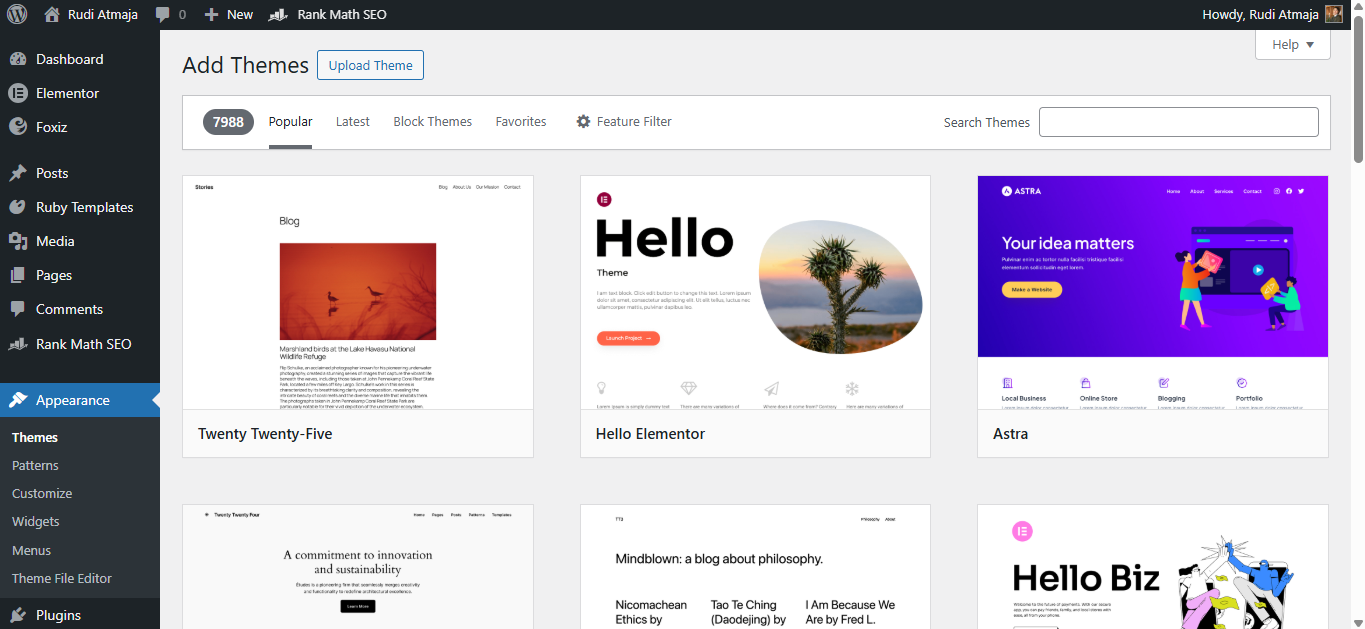
WordPress allows you to install themes directly from the official theme directory inside your dashboard. These are called free themes. They cost nothing, go through a review process, and are generally safe to use. Many free themes are lightweight and suitable for blogs, portfolios, and small business websites.
However, free themes usually come with limited customization options and fewer advanced features. You might not get advanced layout controls, premium support, or built-in design elements. For simple websites, this may not be a problem. But for more complex projects, the limitations can become noticeable.
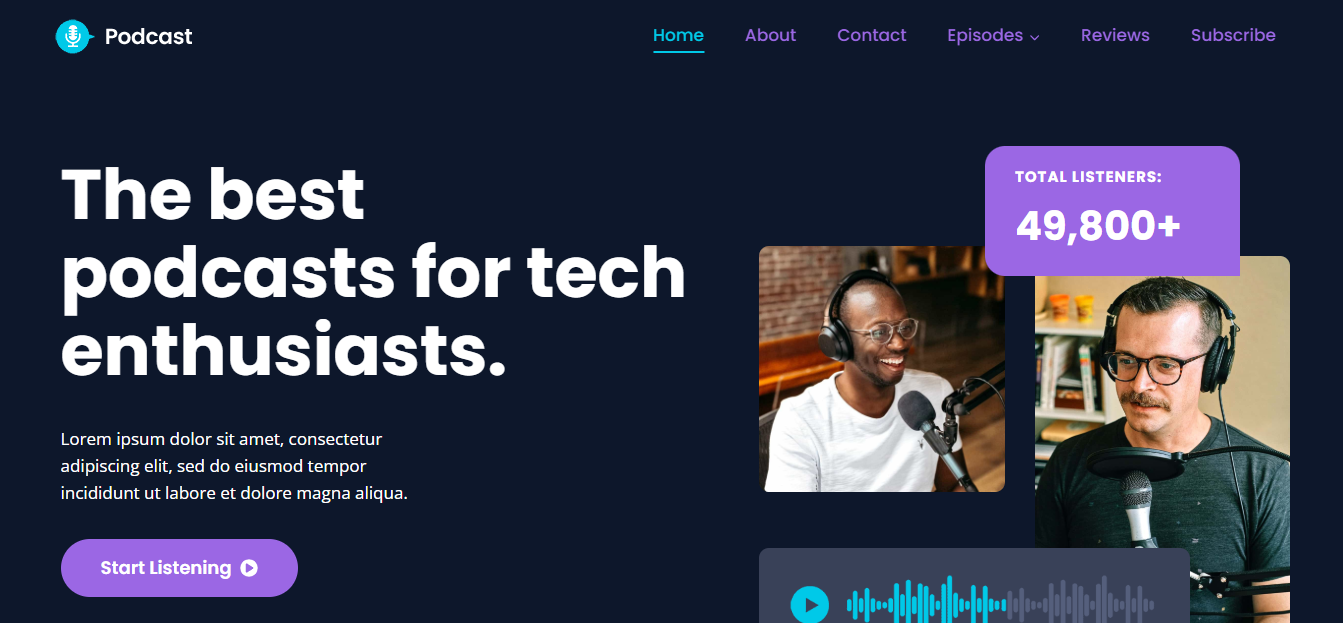
Premium themes, on the other hand, are paid themes created by professional developers or companies. They typically offer more design flexibility, advanced customization settings, built-in features, and dedicated customer support. Premium themes are often used for business websites, online stores, and professional projects that require more control and polish.
When choosing between free and premium themes, the decision depends on your needs. If you’re building a simple blog or testing a new idea, a well-coded free theme may be enough. If you need advanced layouts, ongoing support, and long-term scalability, investing in a premium theme can make more sense.
It’s important to download themes only from trusted sources, such as the official WordPress repository or reputable theme developers. Installing themes from unknown websites can expose your site to security risks.
You may come across something called a “nulled theme.” A nulled theme is a pirated version of a premium theme that has been modified to remove its licensing restrictions. These versions are usually distributed for free on unofficial websites.
Nulled themes often contain hidden malicious code, backdoors, spam links, or malware. Because the original licensing system is removed, you also won’t receive official updates or support from the developer. This can leave your website vulnerable to security breaches and compatibility issues.
Using nulled themes can result in hacked websites, stolen data, poor performance, SEO penalties, and long-term damage to your brand.
2. WordPress Plugins
If themes control how your website looks, plugins control what your website can do. A plugin is an add-on that extends the functionality of your WordPress site. It allows you to add new features without changing your core WordPress files.
For example, if you want to create a contact form, improve SEO, add security protection, build an online store, or speed up your website, you install a plugin for that specific purpose. Instead of coding everything manually, plugins let you activate features with just a few clicks.
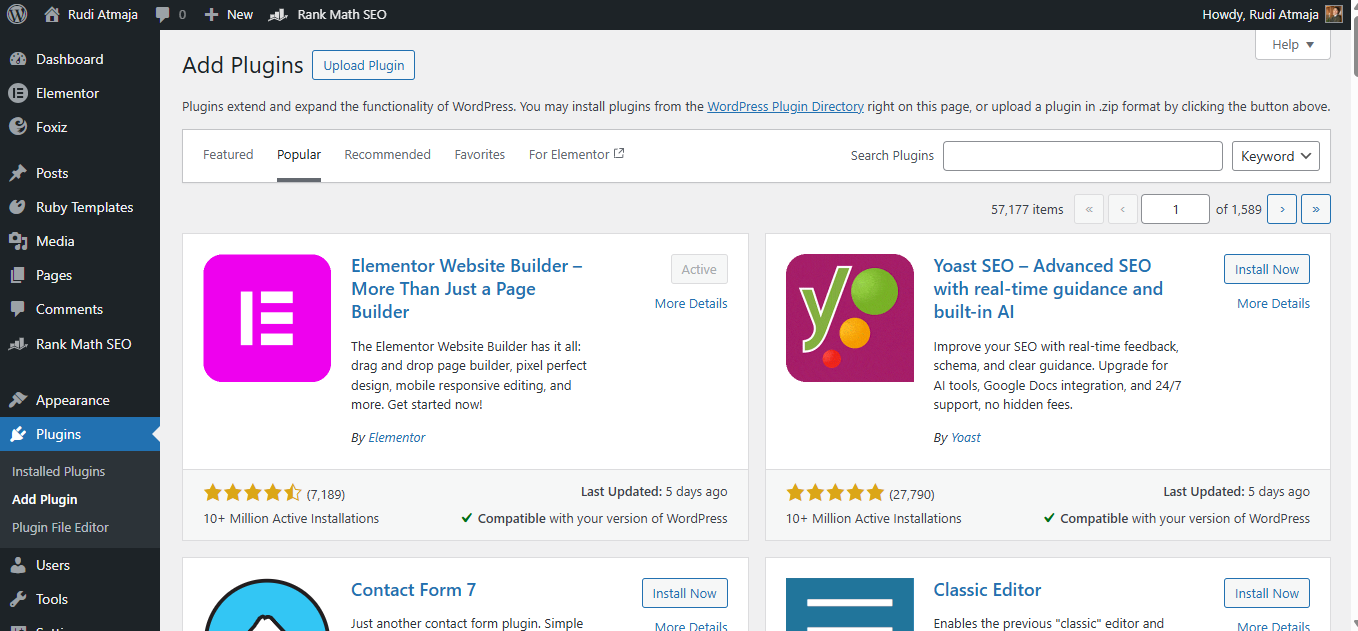
Just like themes, there are free and premium plugins. Free plugins are available in the official WordPress Plugin Directory and can be installed directly from your dashboard. Many free plugins are powerful enough for small to medium-sized websites and are regularly updated by their developers.
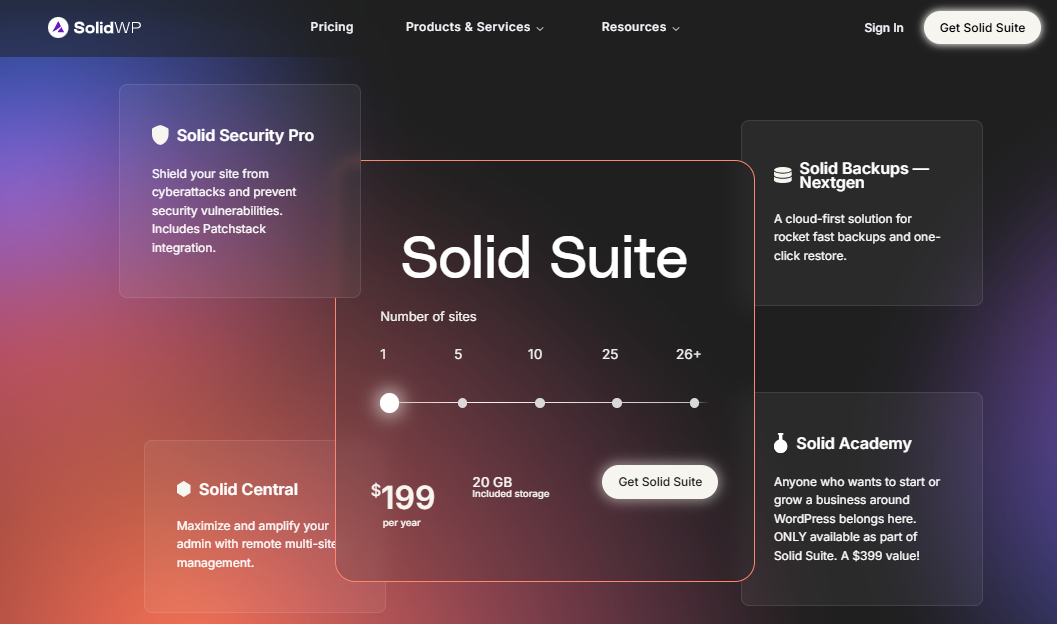
Premium plugins are paid tools that usually offer more advanced features, better support, and ongoing updates. For business websites, premium plugins are often worth the investment because they provide reliability, scalability, and professional-level functionality.
One important thing to understand is that plugins should handle functionality, not design. For example, SEO settings, security protection, backups, forms, and performance optimization should all be managed by plugins. This way, if you change your theme later, those features will continue working without breaking your site.
However, installing too many plugins can slow down your website or create conflicts. Each plugin adds extra code, so it’s important to only install what you truly need. Quality matters more than quantity.
You should also avoid nulled or pirated plugins, just like with themes. Nulled plugins are modified premium plugins distributed illegally for free. They often contain hidden malware, spam scripts, or security vulnerabilities that can compromise your website.
Using pirated plugins can lead to hacked sites, data leaks, blacklisting by search engines, and compatibility issues after WordPress updates. Since you won’t receive official updates or developer support, problems can quickly become difficult to fix.
The safest approach is always to install plugins from the official WordPress repository or directly from trusted developers. This ensures your website stays secure, stable, and compatible with future updates.
Choosing Themes and Plugins the Smart Way
One of the most common mistakes beginners make is choosing a theme just because it comes packed with tons of built-in features. Some themes advertise themselves as “all-in-one solutions” with sliders, portfolio systems, custom shortcodes, and even their own built-in page builder. At first, this sounds convenient. Everything is bundled together in one package.
The problem starts when those features are tightly locked into the theme itself. For example, some themes include a proprietary page builder that only works when that specific theme is active. The moment you switch to a new theme, your beautifully designed pages may break, layouts may collapse, and content might be filled with unreadable shortcodes.
This happens because the functionality was tied to the theme instead of being handled by a separate plugin. When you deactivate the theme, you also deactivate the features that came with it. Your content still exists in the database, but the structure and styling created by that built-in builder no longer render properly.
A smarter approach is to separate design from functionality. Let the theme handle the overall layout and visual style, and use plugins for features like page building, SEO, security, forms, and performance optimization. That way, if you decide to redesign your site later, you won’t lose essential functionality.
For example, using a dedicated page builder plugin instead of a theme’s built-in builder gives you more flexibility. If you switch themes, your page layouts can still function because the builder operates independently from the theme.
This separation makes your website more future-proof. You can rebrand, redesign, or upgrade your theme without rebuilding everything from scratch. It also reduces the risk of being “locked in” to a single theme ecosystem.
Choosing themes and plugins carefully from the beginning saves time, money, and frustration later. Always ask yourself: is this feature design-related, or is it functionality? If it’s functionality, it usually belongs in a plugin – not inside your theme.
Final Thoughts
Understanding the difference between themes and plugins in WordPress is one of the most important fundamentals for building a solid website. Themes control how your site looks. Plugins control what your site can do. Once that distinction is clear, everything else becomes much easier to manage.
Choosing the right theme gives your website its identity and structure. Choosing the right plugins gives it power and flexibility. When you separate design from functionality, you create a website that’s easier to maintain, safer to update, and simpler to redesign in the future.
Avoid shortcuts like nulled themes or pirated plugins, and don’t rely on themes that bundle critical features you might lose later. Build your site with a long-term mindset. A clean setup with a reliable theme and well-chosen plugins will always outperform a bloated, risky configuration.
If you’re just getting started, focus on understanding the role of each tool instead of installing everything at once. The more intentional you are with your theme and plugin choices, the stronger and more future-proof your WordPress website will be.