




Free Email Marketing Plugins for WordPress – Building an email list is one of the best things I’ve ever done for my website. It gives me a direct way to connect with my audience without relying on algorithms. Over time, it’s become one of my most valuable traffic sources.
When I first started, I honestly had no idea how email marketing worked. I thought it was complicated and required expensive tools. But once I explored WordPress plugins, I realized there are plenty of free options that do the job really well.
What I like about using plugins is how everything integrates directly into my website. I can create forms, collect emails, and manage subscribers without jumping between too many platforms. It just makes the whole process feel more simple and manageable.
Of course, not all plugins are created equal. Some are beginner-friendly and easy to set up, while others can feel a bit overwhelming at first. That’s why I’ve put together this list based on what actually works, especially if you’re just starting out.
Before we go further, I want to clarify something important. When I talk about WordPress here, I’m referring to WordPress.org, not WordPress.com. The self-hosted version gives you full control to install these plugins and use them freely.
If you’re still new and a bit confused about the difference, I’ve already explained it in another article called “What is WordPress?”. That guide breaks everything down in a simple and beginner-friendly way. It’s worth checking out before you continue.
In this article, I’ll share seven free email marketing plugins that are perfect for beginners. These are tools I’d personally recommend if you want to grow your email list faster. Let’s get started and find the right one for your site.
7 Free Email Marketing Plugins for WordPress
Before we dive into the list, I want to set the right expectation. You don’t need to install all the plugins I’m about to mention here. Most of them offer similar core features, so choosing one that fits your needs is usually more than enough.
What I personally recommend is starting simple. Pick a plugin that’s easy to use, helps you collect emails, and integrates well with your workflow. As your site grows, you can always upgrade or switch to something more advanced later.
If you’re completely new and not sure how to install plugins, don’t worry. I’ve already written a step-by-step guide called “How to Install a WordPress Plugin” that walks you through everything in a beginner-friendly way. Once you’re ready, let’s jump into the first plugin on the list.
1. Mailchimp for WordPress

The first plugin I recommend is Mailchimp for WordPress. This is one of the most popular options, especially for beginners who want something simple and reliable. I’ve used it myself, and it’s a great starting point if you’re new to email marketing.
What I like about this plugin is how easy it is to connect with Mailchimp. Once you link your account, you can start building email lists directly from your WordPress site. It removes a lot of the manual work you’d normally have to deal with.
In the free version, you can create unlimited signup forms. You can place these forms anywhere on your site, like posts, pages, or sidebars. It’s flexible enough for most basic email list building needs.
The plugin also supports integration with other tools like contact forms and eCommerce plugins. This means you can automatically collect emails from different parts of your site. It’s really useful if you want to grow your list faster without extra effort.
Another feature I find helpful is the built-in form customization. You can adjust fields, design, and messaging to match your site’s style. Even without coding skills, you can still make your forms look clean and professional.
Overall, Mailchimp for WordPress is a solid choice if you’re just getting started. It’s simple, widely supported, and does exactly what most beginners need. If you’re already using Mailchimp or planning to, this plugin is an easy win.
2. MailPoet

The next plugin I recommend is MailPoet. This one is a bit different because it lets you manage everything directly inside your WordPress dashboard. You don’t always need a third-party platform to get started, which makes it very beginner-friendly.
What I really like about MailPoet is how it keeps things simple and all in one place. You can create email lists, design newsletters, and send emails without leaving WordPress. For beginners, this feels much less overwhelming compared to using external tools.
In the free version, you can create and send newsletters to up to 1,000 subscribers. That’s more than enough if you’re just starting to build your email list. You also get access to basic automation features like welcome emails.
The plugin also comes with a drag-and-drop email builder. You can design your emails visually, similar to how you build pages with a page builder. It saves a lot of time and doesn’t require any coding.
Another useful feature is its built-in signup forms. You can easily add forms to your posts, pages, or widgets to collect subscribers. Everything connects directly to your email list without needing extra integrations.
Overall, MailPoet is perfect if you want a simple and fully integrated email marketing solution. It’s especially great for beginners who don’t want to deal with multiple platforms. If you prefer managing everything inside WordPress, this plugin is definitely worth trying.
3. Newsletter

The next plugin worth trying is Newsletter. This one is another all-in-one solution that works entirely inside your WordPress dashboard. It’s especially popular among beginners who want a simple setup without relying on external services.
What I like about this plugin is how straightforward it is to use. You can manage subscribers, create emails, and send newsletters all from one place. It keeps everything organized without feeling too complicated.
In the free version, you get unlimited subscribers and newsletters. That’s a big advantage if you’re planning to grow your list without worrying about limits early on. It’s quite generous compared to many other free tools.
The plugin also includes a visual email composer. You can build your emails using drag-and-drop blocks, which makes the process much easier. Even if you’ve never created a newsletter before, you’ll figure it out quickly.
Another useful feature is its built-in subscription forms. You can easily add forms to your site and start collecting emails right away. It also includes basic anti-spam protection to keep your list clean.
Overall, Newsletter is a great option if you want a simple and flexible email marketing tool. It may not be as advanced as some platforms, but it gives you everything you need to get started. For beginners, it’s a really solid choice.
4. FluentCRM

The next plugin I want to highlight is FluentCRM. This one feels a bit more advanced compared to the previous plugins, but it’s still very manageable for beginners. I like it because it gives you more control over your email marketing directly inside WordPress.
What makes FluentCRM stand out is that it works like a full CRM (Customer Relationship Management) system. You can manage contacts, segment your audience, and track user activity in one place. It’s a step up if you want to do more than just collect emails.
In the free version, you already get features like contact management and list segmentation. This means you can group your subscribers based on behavior or interests. It’s really useful if you want to send more targeted emails.
FluentCRM also supports email automation. You can set up simple email sequences like welcome emails or follow-ups. This helps you stay connected with your audience without having to send emails manually every time.
Another thing I like is how well it integrates with other WordPress plugins. Whether you’re using forms, membership plugins, or eCommerce tools, it can connect and collect data easily. This makes your email marketing more powerful over time.
Overall, FluentCRM is a great choice if you want something more flexible and scalable. It might feel slightly more advanced at first, but it’s worth learning. If you plan to grow your email marketing seriously, this plugin is definitely a strong option.
5. Brevo (Sendinblue)

The next plugin I recommend is Brevo, previously known as Sendinblue. It’s a popular email marketing platform that integrates nicely with WordPress. I’ve found it to be a great option if you want something reliable and scalable from the start.
What I like about Brevo is that it’s not just about email marketing. It also includes features like SMS marketing and basic automation tools. Even if you don’t use everything right away, it’s nice to have those options available as your site grows.
In the free version, you can send up to 300 emails per day. There’s no strict limit on the number of contacts you can store, which is a big plus. It gives you enough flexibility to grow your list without feeling restricted.
The plugin allows you to create signup forms and embed them into your WordPress site easily. You can use these forms to collect emails and automatically sync them with your Brevo account. This makes list building very straightforward.
Another useful feature is its email automation capability. You can set up basic workflows like welcome emails or simple campaigns. It helps you stay consistent with your audience without needing to send emails manually.
Overall, Brevo is a solid choice if you want a balance between simplicity and advanced features. It’s beginner-friendly but still powerful enough to scale later. If you’re thinking long-term, this plugin is definitely worth considering.
6. HubSpot
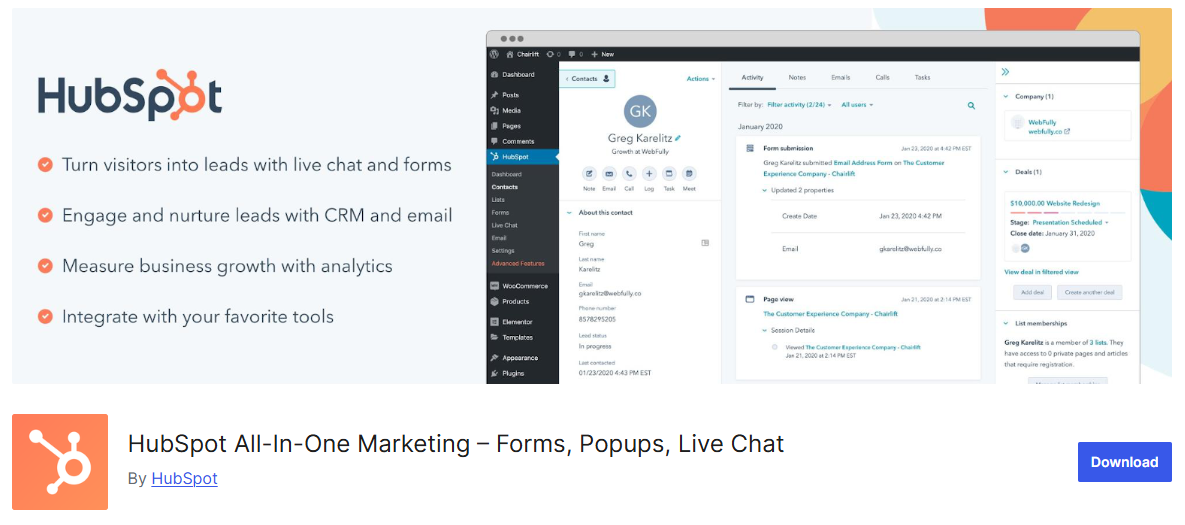
The next plugin on this list is HubSpot. This one is quite popular, especially if you’re looking for an all-in-one marketing solution. It goes beyond just email marketing and includes tools for CRM, forms, and analytics.
What I like about HubSpot is how polished and beginner-friendly it feels. The interface is clean, and everything is well organized, which makes it easier to navigate. Even if you’re new to email marketing, you won’t feel too overwhelmed using it.
In the free version, you get access to email marketing tools along with a built-in CRM. You can store contacts, manage lists, and send marketing emails directly from the platform. It’s a nice all-in-one setup without needing multiple plugins.
HubSpot also provides a drag-and-drop email builder. You can design professional-looking emails without any coding skills. This makes it easy to create campaigns that actually look good.
Another useful feature is its form and popup builder. You can create signup forms, popups, and live chat widgets to capture leads from your site. All the data automatically syncs with your contact list.
Overall, HubSpot is a great option if you want more than just basic email marketing. It’s perfect for beginners who are thinking long-term and want to grow into a full marketing system. If you like having everything in one place, this plugin is definitely worth trying.
7. MailerLite
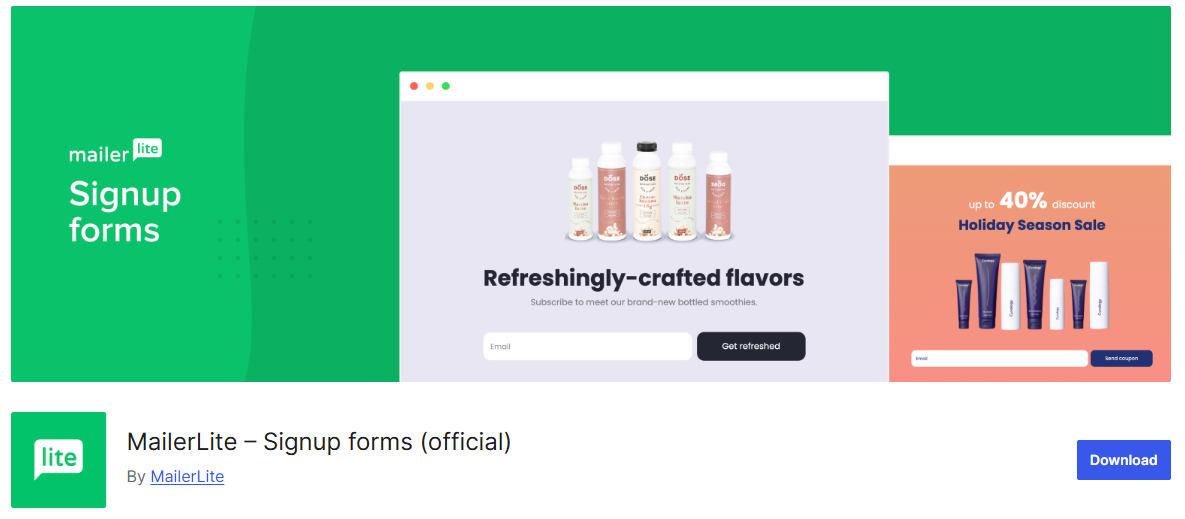
The last plugin on this list is MailerLite. This is another beginner-friendly option that I’ve found really easy to use. It’s a great choice if you want something clean, simple, and focused on growing your email list.
What I like about MailerLite is its minimal and intuitive interface. Everything feels straightforward, from creating forms to managing subscribers. It doesn’t overwhelm you with too many features right away.
In the free version, you can manage up to 1,000 subscribers and send a decent number of emails each month. That’s more than enough if you’re just getting started. It gives you room to grow before needing to upgrade.
The plugin lets you create signup forms, landing pages, and popups. You can easily embed them into your WordPress site to collect emails. This makes list building much more effective.
MailerLite also includes email automation features. You can set up simple workflows like welcome emails or basic campaigns. It helps you stay consistent without doing everything manually.
Overall, MailerLite is a solid and reliable option for beginners. It’s easy to use, lightweight, and gets the job done. If you want a no-fuss email marketing tool, this one is definitely worth trying.
Final Thoughts
At the end of the day, starting with email marketing doesn’t have to be complicated. With the right plugin, you can begin collecting emails and building your list without spending anything. The key is to pick one tool that feels easy for you to use and stick with it.
From my experience, simple setups often work best in the beginning. You don’t need advanced automation or complex funnels right away. Just focus on capturing emails and staying consistent with your communication.
As your website grows, you can always explore more advanced features or switch to a different plugin. What matters most is getting started and learning along the way. Once you build that habit, growing your email list becomes much easier over time.