



Free WooCommerce plugins – Running an online store is very different from running a regular website. It’s not just about content anymore, but also about conversions, user experience, and performance. Every small improvement can directly impact your sales.
When I first started using WooCommerce, I quickly realized that the default setup wasn’t enough. It works fine, but if you really want to optimize your store, you need the right plugins. That’s where these tools come in and make a big difference.
What I like about WooCommerce plugins is how they let you customize your store based on your needs. Whether it’s improving checkout, adding upsells, or optimizing product pages, there’s always a plugin for it. And the best part is, many of them are completely free.
But plugins alone aren’t enough if your hosting can’t keep up. From my experience, using a reliable hosting provider like Pressable can significantly improve your store’s speed and stability. A fast-loading store not only improves user experience but also helps increase conversions.
Of course, not all plugins are created equal. Some are lightweight and focused, while others come with more advanced features. That’s why I always test and choose plugins that actually make a real impact on performance and sales.
Before we go further, I want to clarify something important. When I talk about WordPress here, I’m referring to WordPress.org, not WordPress.com. The self-hosted version gives you full control to install WooCommerce and all these plugins.
If you’re still new and a bit confused about the difference, I’ve already explained it in my other article, “What is WordPress?”. It’s a simple guide that will help you understand everything before you start building your online store.
7 Free WooCommerce Plugins
Before we jump into the list, I want to set the right expectation. You don’t need to install all the WooCommerce plugins I’m about to mention here. Too many plugins can slow down your store and even create conflicts, which can hurt your conversions instead of improving them.
What I usually recommend is choosing a few plugins that solve your biggest problems first. Maybe you want to improve your checkout process, increase average order value, or optimize product pages. Focus on what gives you the most impact with the least complexity.
If you’re new and not sure how to install plugins, don’t worry. I’ve already written a guide called “How to Install a WordPress Plugin” that walks you through everything step by step. Once you’re ready, let’s dive into the first plugin on the list.
1. WooCommerce Cart Abandonment Recovery
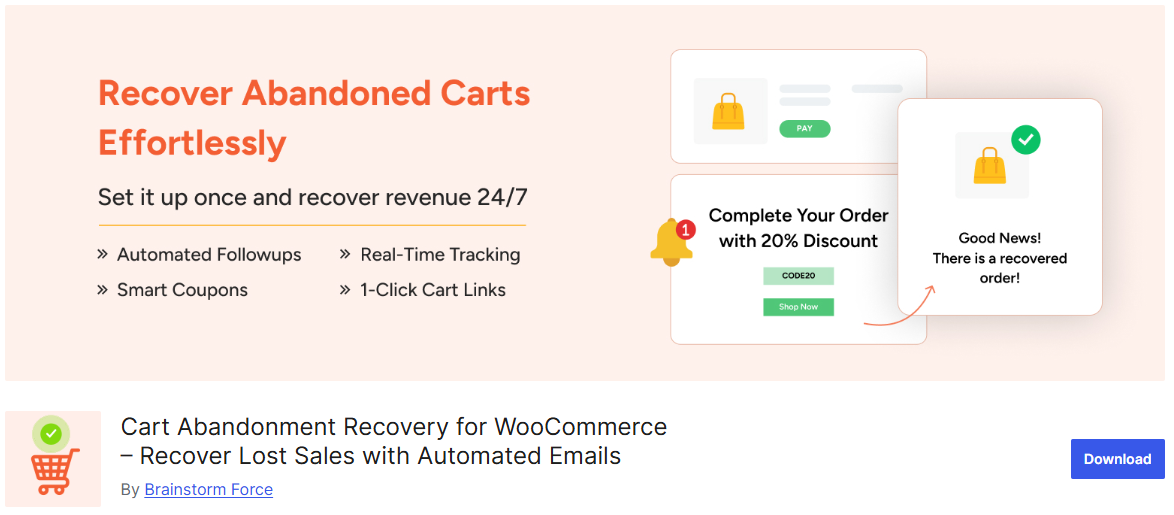
The first plugin I recommend is WooCommerce Cart Abandonment Recovery. This is one of the most useful plugins if you want to recover lost sales from your store. I’ve seen how many potential customers leave without completing checkout, and this plugin helps bring them back.
What makes this plugin so powerful is its ability to track abandoned carts automatically. Whenever a user adds products to the cart but doesn’t complete the purchase, the plugin captures that data. This gives you a chance to re-engage those potential customers.
In the free version, you can send automated follow-up emails to users who abandon their carts. These emails remind them to complete their purchase and can significantly increase conversions. It’s a simple strategy, but it works really well.
The plugin also allows you to customize email templates. You can adjust the message, timing, and tone to match your brand. This makes your follow-ups feel more personal instead of automated.
Another feature I like is how easy it is to set up. You don’t need advanced technical knowledge to start using it. Most of the important features can be configured in just a few minutes.
It also integrates seamlessly with WooCommerce without affecting performance. That’s important because you don’t want a heavy plugin slowing down your store. This one is optimized to run efficiently in the background.
Overall, WooCommerce Cart Abandonment Recovery is a must-have plugin if you want to increase conversions. It helps you recover lost revenue with minimal effort. If you’re serious about growing your online store, this plugin is definitely worth installing.
2. WooCommerce Direct Checkout
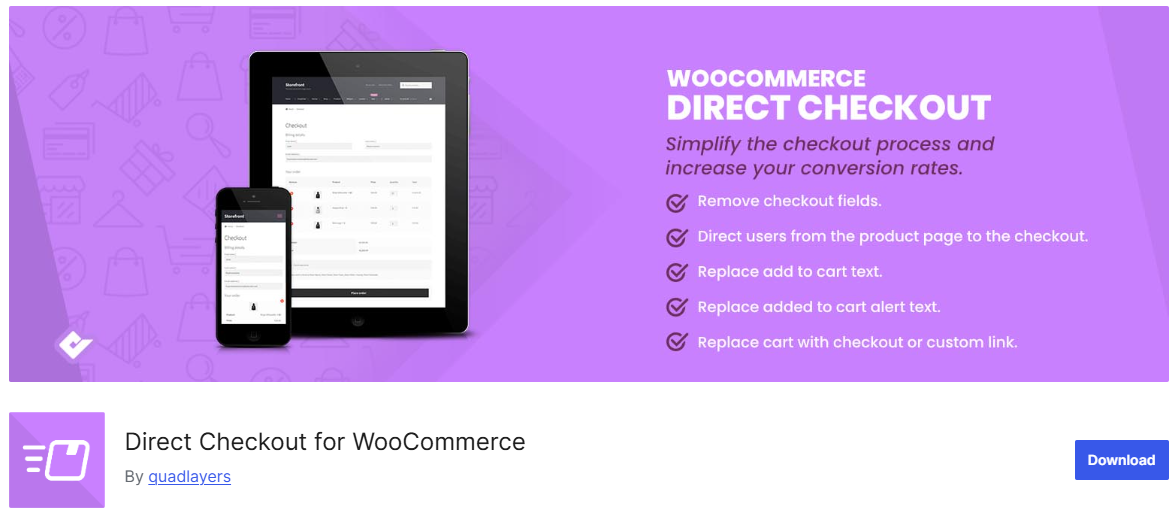
The next plugin I recommend is WooCommerce Direct Checkout. This plugin focuses on simplifying the checkout process, which is a big deal for conversions. From my experience, the fewer steps customers have to go through, the more likely they are to complete their purchase.
What makes this plugin stand out is its ability to skip unnecessary steps. Instead of sending users through the default cart page, you can redirect them straight to checkout. This creates a faster and smoother buying experience.
In the free version, you can remove or bypass the cart page entirely. Customers can go directly from product page to checkout with fewer clicks. This is especially useful for stores that want a quick purchase flow.
The plugin also allows you to customize the checkout experience. You can simplify fields and remove distractions that might slow users down. A cleaner checkout page often leads to higher conversion rates.
Another useful feature is the “Add to Cart” redirect option. You can control where users go after adding a product, whether it’s checkout, cart, or a custom page. This gives you more control over your sales funnel.
What I like most is how lightweight and focused it is. It doesn’t try to do too many things, but it improves one critical part of your store. That makes it a great addition without affecting performance.
Overall, WooCommerce Direct Checkout is a simple but powerful plugin. It helps reduce friction in the buying process and improves conversions. If you want a smoother checkout experience, this plugin is definitely worth trying.
3. WooCommerce Stripe Payment Gateway
The next plugin I recommend is WooCommerce Stripe Payment Gateway. This is one of the most essential plugins if you want to accept online payments smoothly. From my experience, having a reliable and trusted payment method can significantly improve conversions.
What makes this plugin stand out is its seamless integration with Stripe. It allows customers to pay directly on your site using credit or debit cards. This reduces friction because users don’t need to leave your website to complete the payment.
In the free version, you get support for major payment methods including cards and digital wallets. It also supports features like Apple Pay and Google Pay depending on your setup. These options can make checkout faster and more convenient for users.
Another big advantage is its secure payment processing. Stripe handles sensitive data, which helps keep your store compliant with security standards. This builds trust with your customers and reduces the risk of issues.
The plugin also supports recurring payments and subscriptions at a basic level. While advanced features may require additional setup, the core functionality is already very useful. It gives you flexibility if you plan to expand your store later.
What I personally like is how smooth the checkout experience feels. Payments happen quickly without unnecessary redirects. This helps reduce cart abandonment and improves overall user experience.
Overall, WooCommerce Stripe Payment Gateway is a must-have plugin for any online store. It’s reliable, secure, and easy to use. If you want to improve your checkout process and increase conversions, this plugin is definitely worth installing.
4. YITH WooCommerce Wishlist
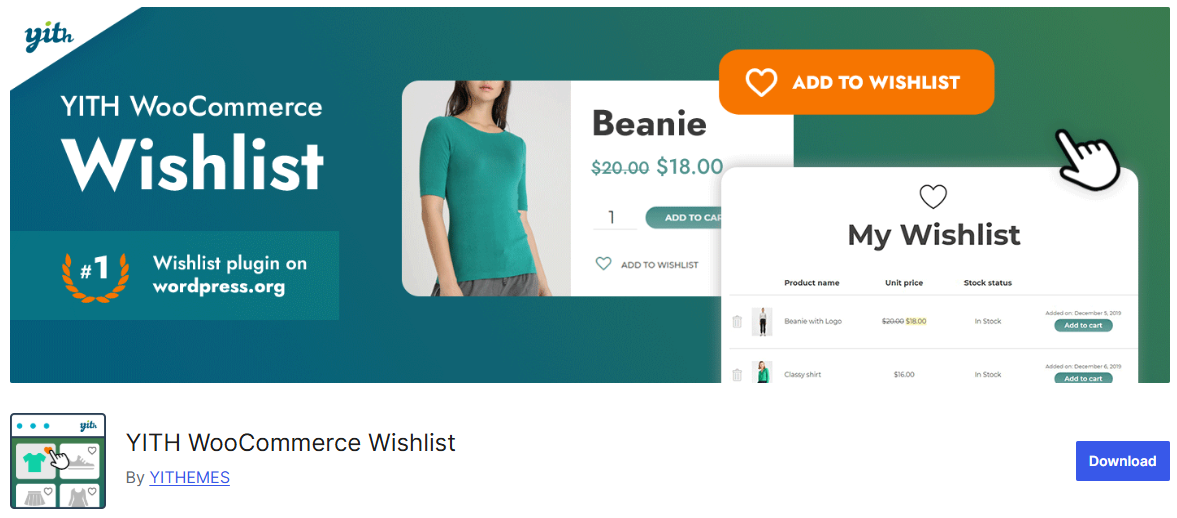
The next plugin I recommend is YITH WooCommerce Wishlist. This plugin is great for improving user engagement and encouraging repeat visits. I’ve found that giving users a way to save products can indirectly boost conversions over time.
What makes this plugin stand out is its wishlist feature. Customers can save products they’re interested in and come back later to purchase them. This is especially useful for stores with products that people don’t buy immediately.
In the free version, users can create and manage their own wishlists. They can add products with a single click and access them anytime. It makes the shopping experience more convenient and user-friendly.
The plugin also helps reduce cart abandonment in a different way. Instead of losing potential customers completely, you give them a way to save items for later. This increases the chances of them returning to your store.
Another useful feature is the ability to share wishlists. Customers can share products with friends or family, which can bring in more traffic. It’s a simple feature, but it can help expand your reach.
What I like most is how easy it is to integrate. It works smoothly with most WooCommerce themes and doesn’t require complex setup. You can have it running in just a few minutes.
Overall, YITH WooCommerce Wishlist is a great plugin for increasing engagement and future sales. It may not directly boost conversions instantly, but it helps build long-term customer interest. If you want to improve user experience, this plugin is definitely worth trying.
5. WooCommerce Product Add-Ons
The next plugin I recommend is WooCommerce Product Add-Ons. This plugin is great if you want to increase your average order value. From my experience, giving customers more options often leads to higher spending.
What makes this plugin stand out is its ability to add extra options to your products. You can offer things like custom text fields, checkboxes, or additional upgrades. This allows customers to personalize their purchases.
In the free version (or similar free alternatives), you can create simple product add-ons. These can include gift wrapping, extra features, or optional services. It’s a simple way to offer more value without creating new products.
The plugin also helps improve user experience. Customers can customize what they want directly on the product page. This makes the buying process more interactive and engaging.
Another advantage is how it encourages upselling. When users see additional options, they’re more likely to add them to their order. This can significantly increase your revenue without needing more traffic.
What I like is that it works well with most WooCommerce setups. You don’t need complex configurations to get started. It’s designed to be straightforward and flexible.
Overall, WooCommerce Product Add-Ons is a powerful tool for boosting conversions and revenue. It helps you maximize each sale by offering more choices. If you want to increase order value, this plugin is definitely worth considering.
6. WooCommerce PDF Invoices & Packing Slips
The next plugin I recommend is WooCommerce PDF Invoices & Packing Slips. This plugin might not seem directly related to conversions at first, but it actually plays an important role in building trust. A more professional store experience can lead to more repeat customers.
What makes this plugin stand out is its ability to automatically generate PDF invoices. Every time a customer places an order, they receive a properly formatted invoice. This adds credibility and makes your store look more professional.
In the free version, you can create and attach invoices to order emails automatically. Customers can also download their invoices directly from their account page. It’s a simple feature, but very useful.
The plugin also includes customizable templates. You can adjust the layout and branding to match your store. This helps maintain a consistent and professional look across your business.
Another benefit is improved order management. You can generate packing slips for shipments, which makes fulfillment easier. This is especially helpful if you handle multiple orders daily.
What I like most is how lightweight and reliable it is. It runs quietly in the background without affecting your store’s performance. You don’t need to worry about complicated settings.
Overall, WooCommerce PDF Invoices & Packing Slips is a great plugin for improving professionalism and customer trust. It may not directly increase conversions instantly, but it supports long-term growth. If you want a more polished store, this plugin is definitely worth using.
7. Booster for WooCommerce
The last plugin on this list is Booster for WooCommerce. This plugin is like a toolkit that adds multiple features to your online store. I like it because it gives you a lot of flexibility without installing too many separate plugins.
What makes Booster stand out is the number of modules it offers. Instead of focusing on just one feature, it includes tools for pricing, checkout, shipping, and more. You can enable only the features you actually need.
In the free version, you get access to a wide range of basic modules. These include currency options, button customization, and cart features. It’s a great way to enhance your store without extra cost.
Another useful feature is price customization. You can adjust pricing based on user roles, bulk purchases, or other conditions. This helps you create more flexible pricing strategies.
The plugin also includes tools to improve checkout and cart experience. You can modify labels, buttons, and flow to make it more user-friendly. Small changes like this can have a real impact on conversions.
What I personally like is that you can keep your setup lightweight. Since everything is in one plugin, you don’t need to install multiple tools. Just activate the modules you need and leave the rest disabled.
Overall, Booster for WooCommerce is a powerful all-in-one plugin for improving your store. It gives you more control and flexibility in one place. If you want to enhance multiple areas of your store at once, this plugin is definitely worth trying.
Final Thoughts
At the end of the day, improving your online store doesn’t have to be complicated or expensive. With the right combination of free WooCommerce plugins, you can enhance user experience and increase conversions without spending a dime. It’s all about choosing tools that actually make a difference.
From my experience, it’s better to focus on a few high-impact plugins rather than installing too many at once. Each plugin should solve a specific problem, whether it’s improving checkout, recovering abandoned carts, or increasing order value. Keeping things simple will help your store run faster and more efficiently.
As your store grows, you can always explore more advanced features or premium tools. But for now, these free plugins are more than enough to get started and see real results. Stay consistent, keep testing what works, and your conversions will improve over time.