



Best free plugins for WordPress.com – Building a website on WordPress.com is one of the easiest ways to get online quickly, whether you’re starting a blog, business site, or personal portfolio. However, launching a site is just the beginning of your journey. To truly stand out, you need the right tools to enhance performance, improve security, and create a better user experience. That’s where choosing the best free plugins for WordPress.com becomes incredibly important.
Even though WordPress.com is designed to be user-friendly, its built-in features may not always be enough as your website grows. You might start looking for ways to speed up your site, optimize it for search engines, or add new functionality without spending money. Fortunately, there are many free plugins available that can help you achieve exactly that. The key is knowing which ones are actually worth installing.
The best free plugins for WordPress.com can help you do everything from boosting your SEO to protecting your site from potential threats. They can also improve loading times, enhance design flexibility, and streamline your workflow. Instead of trying dozens of tools, it’s smarter to focus on a curated selection that delivers real value. This way, you can keep your site efficient without overwhelming it with unnecessary features.
Another important thing to consider is compatibility and ease of use. Not all plugins are optimized for WordPress.com, and choosing the wrong ones can slow down your website or cause unexpected issues. That’s why it’s essential to rely on trusted and widely used plugins that are known for their reliability. With the right choices, you can enhance your website without compromising performance.
In this article, I’ve carefully selected the best free plugins for WordPress.com to help you boost your website effectively. Each recommendation is based on functionality, ease of use, and real-world benefits. Whether you’re a beginner or an experienced user, these tools will help you take your site to the next level. Let’s dive in and explore the plugins that can make a real difference.
Before You Start Using Plugins on WordPress.com
Before you start installing any plugin on WordPress.com, it’s important to understand how plugin access actually works on this platform. Unlike the self-hosted version, WordPress.com requires you to upgrade your plan if you want to unlock plugin features. The good news is that you can access dozens of plugins by choosing any paid plan, including Personal, Premium, Business, Commerce, or Enterprise. This gives you the flexibility to expand your website’s functionality as your needs grow.
If you’re looking for the most practical and cost-effective option, the Premium plan is highly recommended. It offers up to 13GB of storage, which is more than enough for most websites, especially if you plan to upload images or videos regularly. You can also connect your site to Google Analytics, allowing you to track visitor behavior, understand where your traffic comes from, and measure how well your content performs. In addition, you’ll gain access to Premium Stats for more detailed insights that help you optimize your website over time.
Another thing worth considering is the pricing structure, as the renewal cost for the Premium plan remains relatively stable and does not increase drastically compared to the initial price. In most cases, the difference stays within a reasonable range and does not exceed 50%, making it a safe long-term investment. With all these benefits combined, upgrading your plan becomes a smart step if you want to fully utilize plugins and grow your website more efficiently.
Ready to unlock plugin access on your WordPress.com site? Start with a paid plan today and try it risk-free.
How to Install Plugins on WordPress.com
Once you’ve upgraded your plan on WordPress.com, installing plugins becomes a quick and straightforward process. First, log in to your WordPress.com account and go to your main dashboard. From there, select the website you want to manage so you can access its admin dashboard. This is where you’ll control all aspects of your site, including plugins.
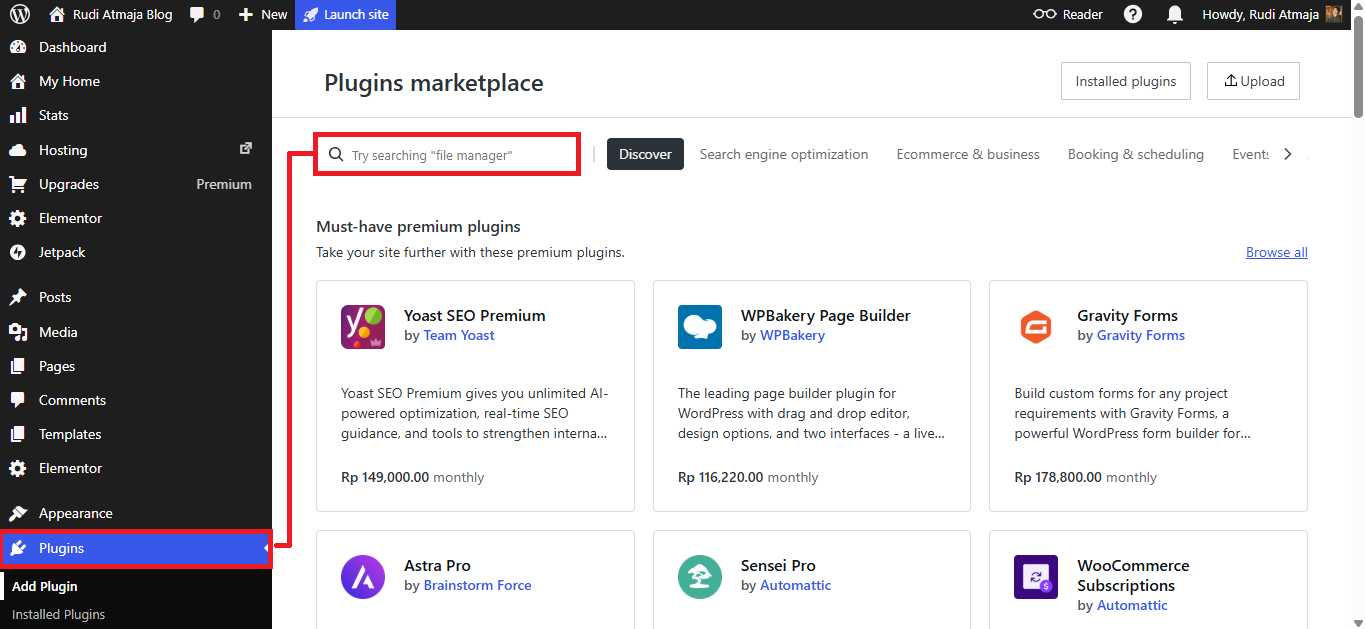
After entering your site’s dashboard, look for the “Plugins” menu on the sidebar and click on it. This section allows you to browse, search, and manage all available plugins for your website. You can type the name of any plugin mentioned in this article into the search bar to find it. Once the plugin appears, simply click on its box to open more details about its features and functionality.
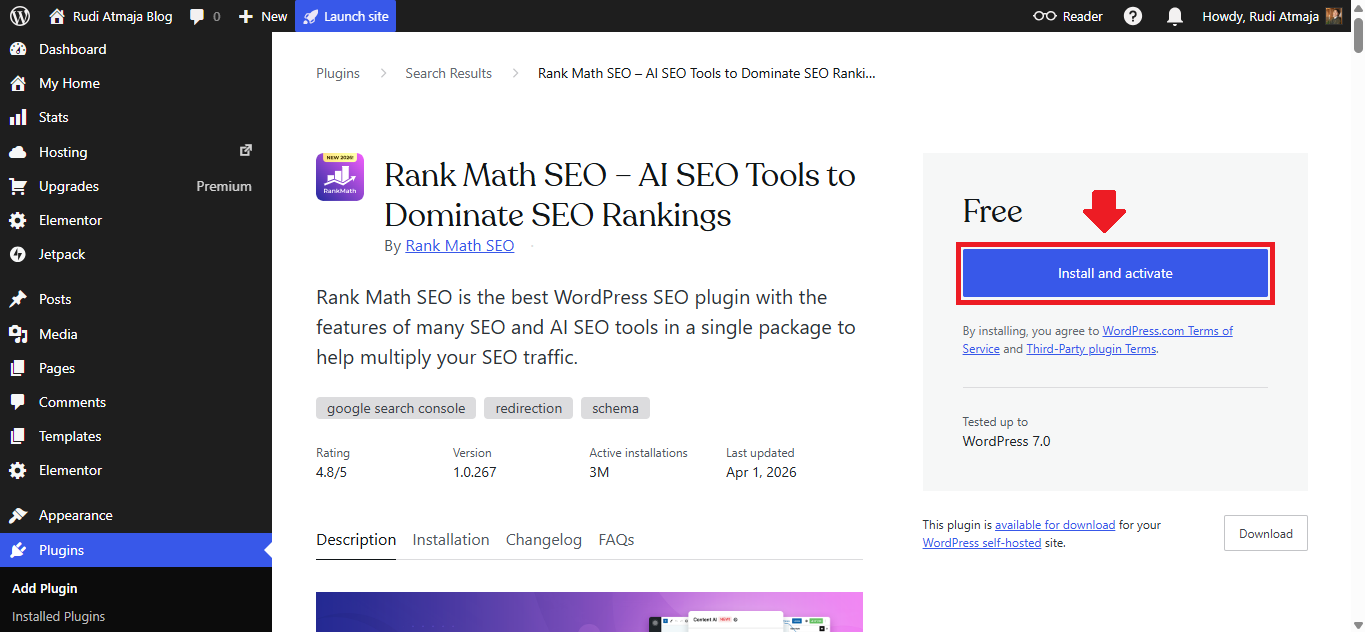
To complete the installation, click the “Install & Activate” button, and WordPress.com will automatically set it up for you. Within seconds, the plugin will be ready to use on your website without any complicated configuration. You can then adjust its settings based on your needs and start improving your site’s performance, security, or design. With just a few clicks, you’ll be able to unlock powerful features that take your website to the next level.
Or you can follow my full tutorial on How to Install Plugins on WordPress.com.
10 Best Free Plugins for WordPress.com
Before you start installing every plugin on this list, it’s important to understand that you don’t need all of them for your website. Each plugin serves a specific purpose, whether it’s improving SEO, enhancing security, or optimizing performance. Installing too many plugins can actually slow down your site and make it harder to manage. That’s why it’s always better to focus only on what truly supports your goals.
When using WordPress.com, choosing the right combination of plugins is more effective than simply adding as many as possible. Think about what your website really needs at this stage, whether it’s better speed, improved analytics, or stronger protection. By selecting plugins strategically, you can keep your website lightweight and efficient. This approach also reduces the risk of conflicts between plugins.
In the following list, you’ll find some of the best free plugins for WordPress.com that are widely used and trusted. Each recommendation is designed to help you improve a specific aspect of your website. Feel free to pick and choose based on your needs rather than installing everything at once. This way, you can build a powerful website step by step without unnecessary clutter.
1. Rank Math
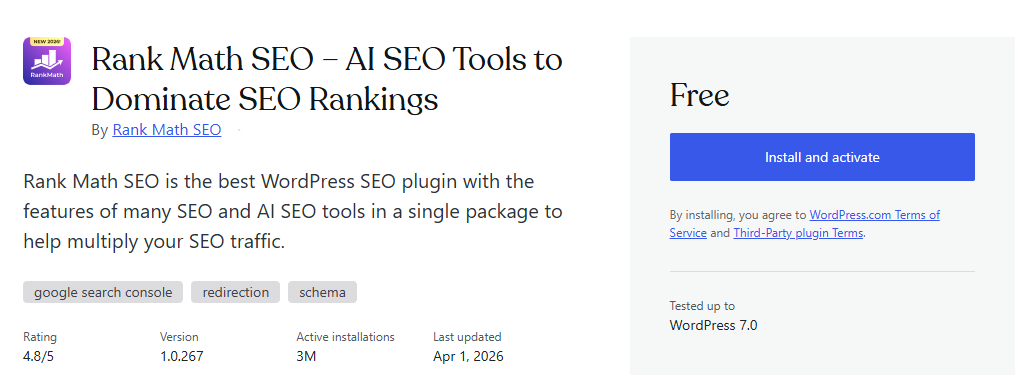
The first best free plugins for WordPress.com is Rank Math SEO, a powerful tool designed to help you optimize your website for search engines without needing advanced technical knowledge. It offers a clean and user-friendly interface that makes SEO easier to understand, even for beginners. With built-in guidance and real-time suggestions, you can quickly improve your content’s optimization. This makes it a strong starting point for anyone looking to grow their website traffic.
Rank Math provides detailed on-page SEO analysis for every post and page you create. It gives practical recommendations such as optimizing keyword usage, improving readability, and structuring your content properly. These insights help ensure your content meets both user expectations and search engine requirements. By following these suggestions, you can gradually improve your rankings in search results.
Another key feature is its built-in schema markup functionality, which allows your content to stand out in search engine listings. With features like rich snippets, your pages can display additional information such as ratings, FAQs, or product details. This not only improves visibility but also increases the likelihood of users clicking on your content. Everything can be configured without touching any code.
Rank Math also integrates seamlessly with Google Search Console, giving you access to important performance data directly from your dashboard. You can monitor clicks, impressions, and keyword rankings without needing to switch between platforms. This makes it easier to track your progress and identify opportunities for improvement. Having all this data in one place helps streamline your workflow.
If you want to set up this plugin correctly, you can refer to your own article titled “Rank Math SEO Guide.” Even though the guide is created for WordPress.org, the setup process in WordPress.com is essentially the same. The interface and configuration steps are very similar, so you can follow the guide without any confusion. This makes it easier to unlock the full potential of the plugin.
2. Elementor
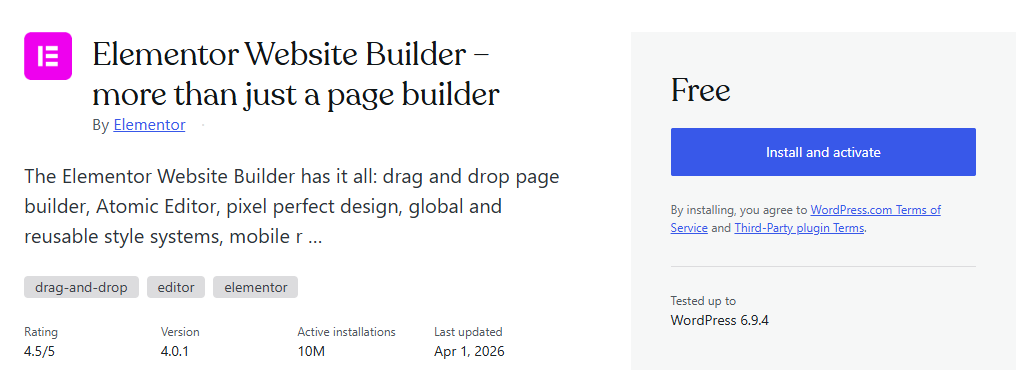
The second best free plugins for WordPress.com is Elementor, a powerful page builder that allows you to design your website visually without touching any code. It uses a drag-and-drop editor, making it easy to create professional-looking pages in real time. You can instantly see how your design looks as you build it, which makes the entire process more intuitive. This is especially helpful for beginners who want full control over their website layout.
Elementor comes with a wide range of pre-designed templates that you can use to speed up your workflow. Instead of starting from scratch, you can import a template and customize it according to your needs. This makes it easier to create landing pages, homepages, or blog layouts in just a few clicks. The flexibility it offers helps you maintain a consistent design across your website.
One of the most useful features of Elementor is its collection of widgets. You can easily add elements like headings, images, buttons, forms, and videos directly onto your page. Each widget comes with customization options, allowing you to adjust spacing, colors, typography, and more. This level of control helps you create a unique and engaging user experience.
Elementor also works well with most themes available on WordPress.com, giving you the freedom to design without limitations. It allows you to override default theme layouts and create fully custom pages. This is particularly useful if you want your website to stand out from others using the same theme. The compatibility ensures a smoother building experience without technical conflicts.
Another advantage is its responsive design capabilities. Elementor lets you adjust how your website appears on desktop, tablet, and mobile devices. You can fine-tune each element to ensure your site looks great on all screen sizes. This is important for providing a consistent experience to visitors regardless of the device they use.
Elementor also supports integration with various marketing tools and plugins, making it easier to build conversion-focused pages. Whether you want to collect leads, promote products, or highlight services, you can design pages that support your goals.
3. Formidable Forms
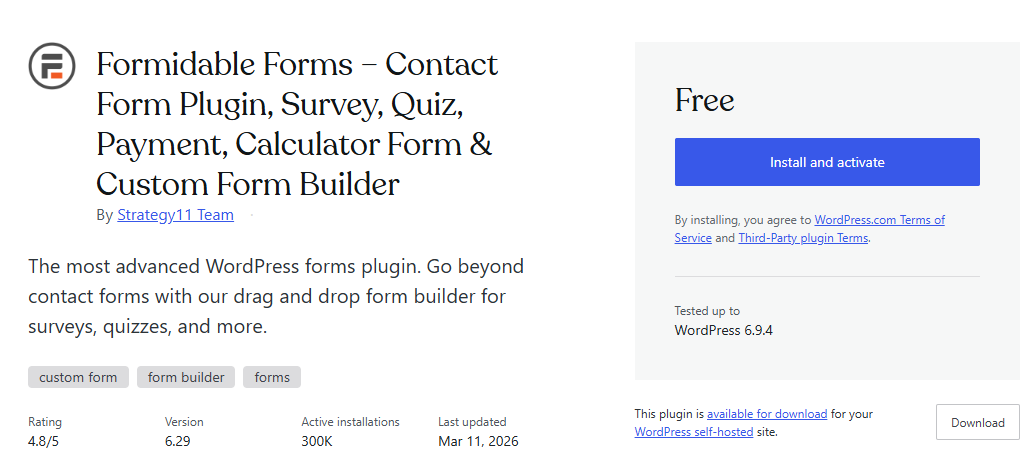
The third best free plugins for WordPress.com is Formidable Forms, a flexible form builder that allows you to create various types of forms without coding. From simple contact forms to more advanced forms like surveys or calculators, this plugin provides a wide range of functionality. Its drag-and-drop builder makes the process easy to follow, even if you’re new to WordPress. You can quickly build forms that match your website’s needs.
Formidable Forms comes with customizable fields that let you collect exactly the information you need from your visitors. You can add text fields, dropdowns, checkboxes, file uploads, and more with just a few clicks. Each field can be adjusted to fit your design and data requirements. This helps you create forms that are both functional and user-friendly.
The plugin also allows you to manage and view form submissions directly from your dashboard. This makes it easier to track inquiries, responses, or any data submitted through your website. You don’t need to rely on external tools to access your form data. Everything is organized in one place for better efficiency.
Formidable Forms integrates smoothly with WordPress.com, ensuring that your forms work properly across your site. It supports seamless integration so your forms can be added to pages or posts without issues. You can embed forms anywhere on your site depending on your needs. This allows you to place forms strategically for better user interaction.
4. MC4WP
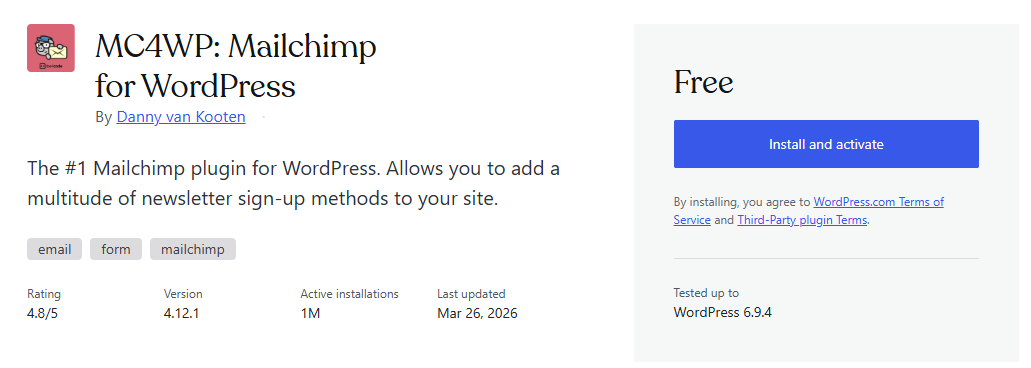
The fourth best free plugins for WordPress.com is MC4WP: Mailchimp for WordPress, a plugin designed to help you connect your website with Mailchimp and grow your email list more effectively. It allows you to create simple and clean subscription forms that can be added to various parts of your website. This makes it easier for visitors to subscribe to your newsletter or updates. Building an email list becomes more structured and consistent with this plugin.
MC4WP integrates directly with Mailchimp, which is one of the most popular email marketing services available. This integration ensures that every new subscriber is automatically added to your Mailchimp audience list. You don’t need to manually export or import data between platforms. Everything works in sync to save time and reduce errors.
The plugin offers flexible form customization so you can match the design with your website. You can control fields, labels, and layout to create forms that look clean and professional. It also supports integration with other plugins such as contact forms and comment forms. This allows you to collect email subscribers from multiple touchpoints across your site.
MC4WP also includes basic reporting features that help you understand how your forms are performing. You can track how many people subscribe through your forms and identify which areas of your site are most effective. This data helps you improve your email marketing strategy over time. Having these insights makes it easier to adjust your approach based on actual performance.
MC4WP supports embedding subscription forms into posts, pages, and widget areas within WordPress.com. You can use shortcodes or blocks to display forms in different sections of your website. The plugin ensures compatibility with most themes and layouts. This makes it easier to manage how and where your forms appear.
5. Smash Balloon Social Photo Feed
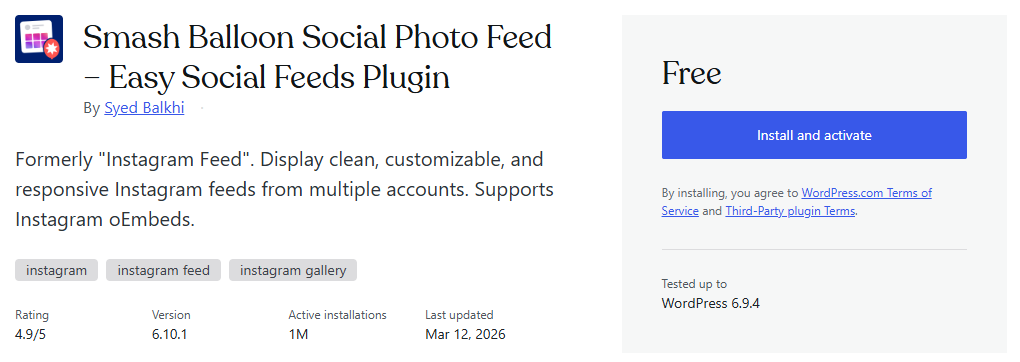
The fifth best free plugins for WordPress.com is Smash Balloon Social Photo Feed, a plugin that allows you to display Instagram feeds directly on your website. It helps you connect your social media content with your site without needing manual updates. By embedding your Instagram posts, you can keep your website content fresh and visually engaging. This is especially useful for websites that rely on visual content to attract visitors.
Smash Balloon Social Photo Feed integrates with Instagram, allowing you to pull images from your account and display them in customizable layouts. You can choose how your feed appears, including grid styles, spacing, and number of images. This gives you control over how your social content blends with your website design. The plugin also updates your feed automatically whenever you post new content on Instagram.
The plugin provides customization options that let you adjust colors, sizes, and display settings to match your branding. You can also decide whether to show captions, likes, or follow buttons within the feed. These settings allow you to tailor the appearance of your Instagram feed based on your preferences.
6. HubSpot All-In-One Marketing
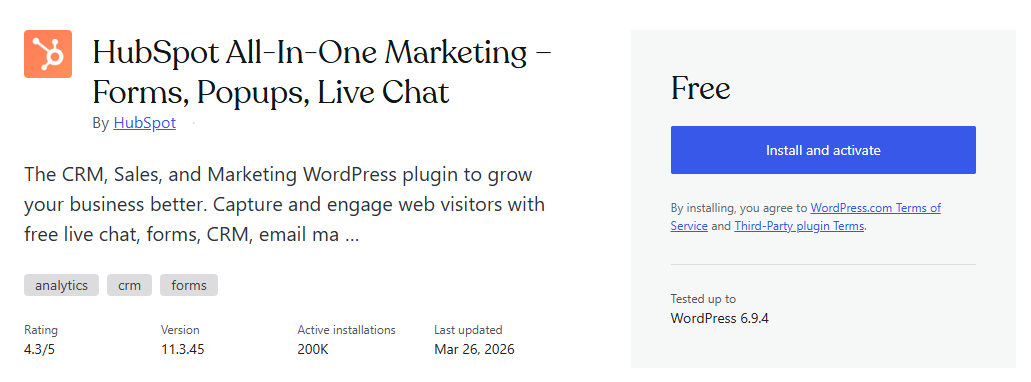
The sixth best free plugins for WordPress.com is HubSpot All-In-One Marketing, a plugin that combines multiple marketing tools into one platform. It allows you to manage contacts, track leads, and create marketing campaigns directly from your website dashboard. This makes it easier to organize your marketing efforts without relying on multiple separate tools. The interface is designed to be user-friendly so you can get started quickly.
HubSpot integrates with HubSpot, giving you access to features like CRM, live chat, and email marketing. You can track visitor activity on your website and see how users interact with your content. This helps you understand your audience better and tailor your marketing strategies accordingly. All collected data is stored and organized within the HubSpot system.
The plugin also allows you to create forms, popups, and live chat widgets to engage with your visitors. These tools can be customized to match your website design and marketing goals. You can capture leads through different channels and manage them in one place. This helps streamline your communication with potential customers.
HubSpot provides built-in analytics that lets you monitor user interactions and campaign performance. You can view data such as page views, conversions, and engagement metrics. This information helps you identify which strategies are working and which areas need improvement. The reports are accessible directly from your dashboard for easier tracking.
7. Easy WP SMTP
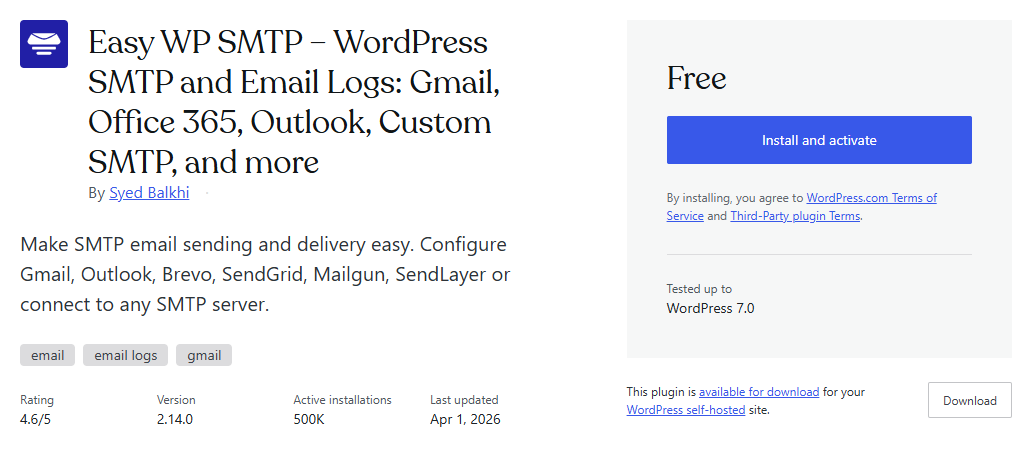
The seventh best free plugins for WordPress.com is Easy WP SMTP, a plugin that helps ensure your website emails are delivered properly. By default, many WordPress sites use the PHP mail function, which can often lead to emails not being sent or ending up in spam folders. Easy WP SMTP solves this problem by allowing you to send emails through a secure SMTP server. This improves both reliability and deliverability.
Easy WP SMTP is especially useful if you are using third-party email services like Google Workspace or similar providers for custom domain emails such as [email protected]. Instead of relying on your hosting server, you can connect your website to your email provider’s SMTP settings. This ensures that all outgoing emails are authenticated and trusted. As a result, important messages like contact form submissions or notifications are less likely to be missed.
The plugin provides a simple configuration process where you can enter SMTP details such as host, port, username, and password. It also supports secure encryption methods like SSL and TLS to protect your email transmissions. These settings help maintain the security and integrity of your email communication. Everything can be configured directly from your WordPress dashboard.
Easy WP SMTP also includes a built-in email testing feature that allows you to verify whether your configuration is working correctly. You can send a test email to check if messages are delivered successfully. This helps you quickly identify and fix any issues with your email setup. Having this feature makes troubleshooting much easier.
Another useful capability is detailed email logging, which allows you to track outgoing emails from your website. You can monitor whether emails are sent successfully or if any errors occur during the process. This provides better visibility into how your email system is functioning. It becomes easier to detect problems and ensure consistent performance.
The plugin supports integration with various email providers beyond Google Workspace, including other SMTP-based services. You can configure it to work with different platforms depending on your needs. This flexibility allows you to adapt your email setup as your website grows.
8. Kadence Blocks
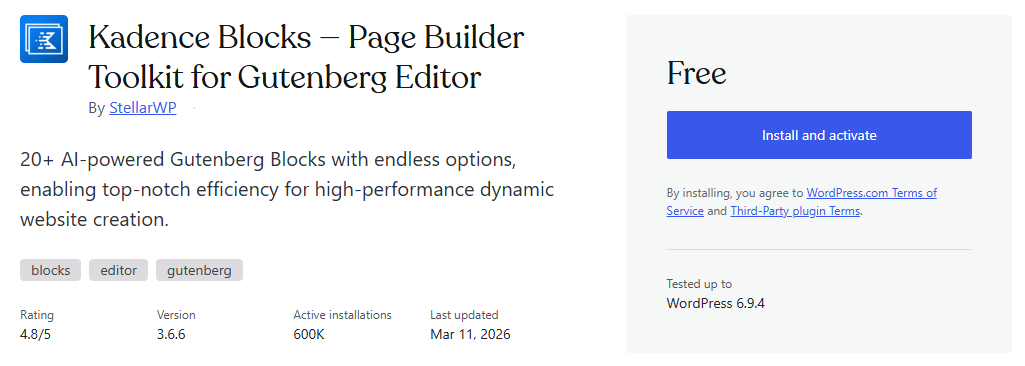
The eighth best free plugins for WordPress.com is Kadence Blocks, a plugin that enhances the default block editor with additional design elements and functionality. If you choose to stick with the built-in Gutenberg editor, this plugin helps you create more advanced layouts without switching to a page builder. It extends the capabilities of the editor while keeping the interface familiar. This makes it easier to design pages directly within the native editing experience.
Kadence Blocks adds a variety of custom blocks such as advanced headings, rows, columns, buttons, and icon lists. These blocks give you more flexibility when structuring your content. You can create complex layouts that are not possible with the default editor alone. Each block comes with its own customization settings for better control.
The plugin is designed to work seamlessly with the block editor in WordPress.com, allowing you to build pages using a visual and structured approach. You can adjust spacing, alignment, and responsiveness directly within the editor. This helps you create clean and professional-looking layouts without writing code. The workflow remains simple and efficient.
Kadence Blocks also provides design controls for typography, colors, and spacing across different elements. You can fine-tune how each section looks to match your branding. These customization options help maintain consistency throughout your website. The settings are organized clearly so they are easy to manage.
Another feature is its responsive editing capability, which allows you to adjust how blocks appear on different devices. You can customize layouts specifically for desktop, tablet, and mobile views. This ensures your content remains accessible and visually appealing across all screen sizes. The adjustments can be made directly within the editor.
Kadence Blocks includes pre-built sections and templates that you can import into your pages. These ready-made layouts help speed up the design process and reduce the need to build everything from scratch. You can customize these templates to fit your content and style.
9. Cart Abandonment Recovery for WooCommerce
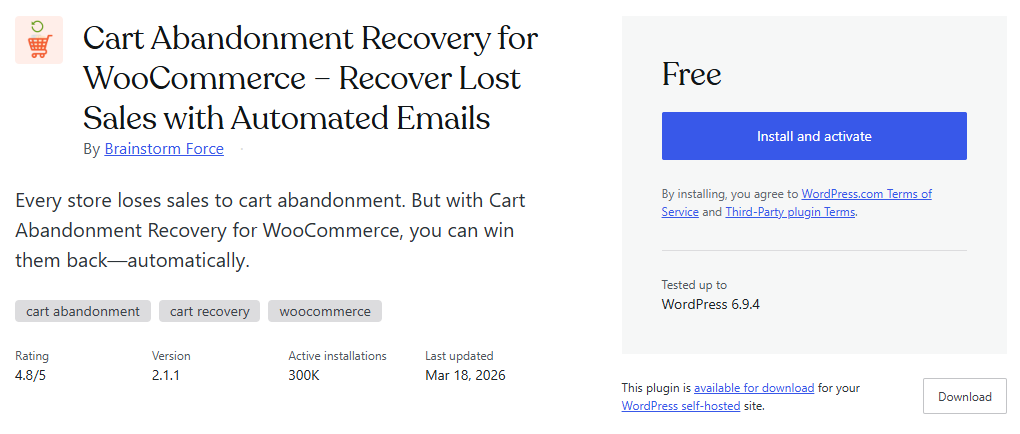
The ninth best free plugins for WordPress.com is Cart Abandonment Recovery for WooCommerce, a plugin designed to help you recover lost sales from customers who leave your website without completing their purchase. Cart abandonment is a common issue in eCommerce, and this plugin helps you address it effectively. It tracks users who add products to their cart but do not finish checkout. This gives you an opportunity to re-engage those potential customers.
This plugin works alongside WooCommerce, allowing you to monitor abandoned carts and capture customer email addresses during the checkout process. Once a cart is abandoned, the plugin can automatically send follow-up emails to remind users about their pending purchase. These emails can be customized based on your strategy. This helps bring users back to complete their transactions.
Cart Abandonment Recovery allows you to create automated email sequences with different timing intervals. You can send reminders shortly after abandonment and follow up again later if needed. This approach increases the chances of recovering lost revenue. The automation runs in the background without requiring manual effort.
The plugin also provides reporting features that show how many carts have been abandoned and how many have been successfully recovered. You can track performance and understand how effective your recovery campaigns are. This data helps you refine your strategy and improve results over time. The insights are available directly within your dashboard.
Cart Abandonment Recovery supports customization of email content, including subject lines, messages, and call-to-action links. You can tailor your emails to match your brand voice and encourage users to return. These settings allow you to experiment with different approaches for better engagement.
10. Tawk.To Live Chat
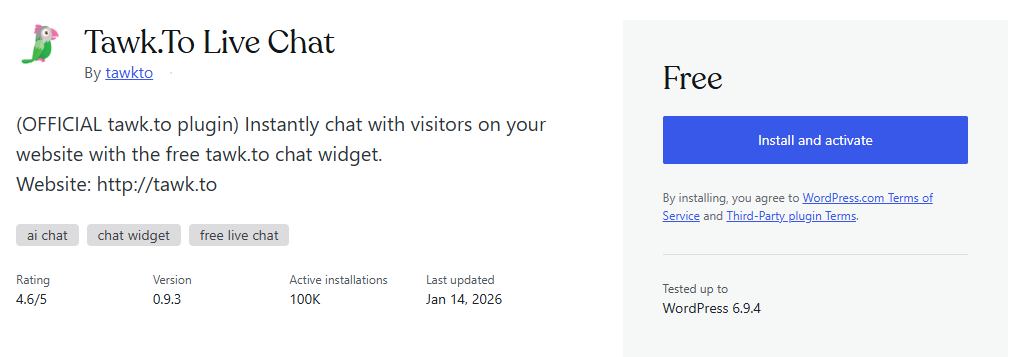
The tenth best free plugins for WordPress is Tawk.To Live Chat, a plugin that allows you to communicate with your website visitors in real time. It provides a live chat feature that can be added directly to your website without complex setup. This makes it easier to respond to questions, provide support, or guide users while they browse your site. Real-time communication helps improve user engagement and interaction.
Tawk.To integrates with WordPress.com, allowing you to install and manage the chat widget directly from your dashboard. You can customize the chat appearance, including colors, position, and behavior. This helps you match the chat widget with your website design. The setup process is straightforward and does not require coding skills.
The plugin also includes features such as visitor monitoring, chat history, and automated greetings. You can see who is currently on your website and initiate conversations when needed. Chat history allows you to review previous interactions with visitors. Automated messages can be configured to engage users at the right time.
Tawk.To supports multiple agents, so you can manage conversations as a team. Each agent can log in and respond to visitors from different devices, including desktop and mobile. This makes it easier to handle multiple chats simultaneously.
Final Thoughts
Choosing the best free plugins for WordPress.com depends on what your website actually needs at this stage. Each plugin mentioned in this list serves a specific purpose, whether it’s SEO, design, security, or marketing. Instead of installing everything at once, it’s better to focus on tools that directly support your goals. This approach helps keep your website fast, efficient, and easier to manage.
As your website grows, your needs may also change over time. You might start with basic plugins and gradually add more features as your traffic increases or your business expands. This allows you to scale your website without overwhelming it with unnecessary tools. Keeping your plugin stack minimal also reduces the risk of conflicts and performance issues.
If you’re ready to build a professional website with the right tools and flexibility, WordPress.com provides a solid platform to get started. With access to powerful plugins, customizable designs, and scalable features, you can create a website that fits your needs and grows with you.
>>> Start with WordPress.com <<< or >>> TRY WordPress.com AI Site Builder <<<
Taking the time to choose the right plugins can make a significant difference in how your website performs. From improving search visibility to enhancing user experience, each plugin plays a role in your site’s overall success. Understanding how these tools work together will help you build a more effective and reliable website. This also gives you better control over how your site evolves.
With the right combination of plugins and a clear strategy, you can turn a simple website into a powerful online presence. By focusing on functionality that truly matters, you can create a site that is both user-friendly and optimized for growth. This makes it easier to achieve your goals, whether you’re building a blog, portfolio, or business website.