


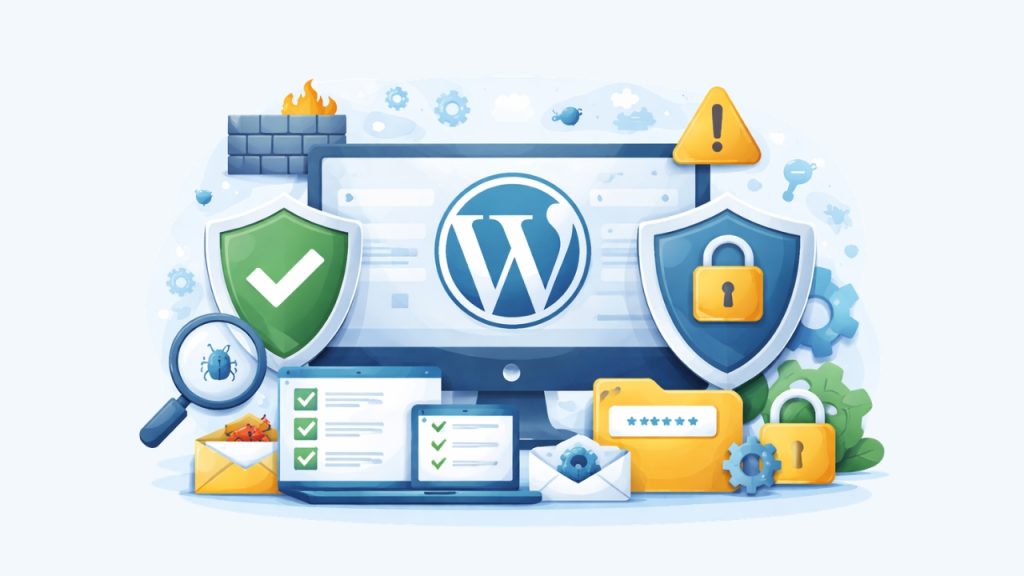
Free WordPress Security Plugins – Security wasn’t something I paid attention to when I first started building WordPress sites. I was more focused on design, content, and getting things live as quickly as possible. But over time, I realized that leaving a site unprotected is basically asking for trouble.
It doesn’t take a high-traffic website to become a target. Even small sites get hit by bots trying to guess passwords or exploit vulnerabilities. Once I started noticing strange login attempts, I knew I had to step things up.
That’s when I began experimenting with different security plugins. Some of them were too heavy, others were confusing to set up, and a few just didn’t feel reliable. After a lot of trial and error, I found a handful that I actually trust and still use today.
What I like about free WordPress plugins is that you can get solid protection without spending anything. You just need to know which ones are worth installing and how to use them properly. Not every plugin adds real value, so choosing carefully really matters.
I also try not to overload my site with too many tools. Installing multiple security plugins without a clear setup can sometimes create conflicts or slow things down. So I prefer keeping a simple stack that covers the essentials.
In this article, I’ll share seven free WordPress security plugins that I personally trust for my own sites. These are plugins I’ve tested myself, not just something I picked from a random list. If you’re looking for practical recommendations, this should help you get started.
By the way, when I mention WordPress here, I’m specifically talking about WordPress.org, not WordPress.com. The self-hosted version gives you full control over installing plugins like these, which is why it’s the one I always use. If you’re still confused about the difference, feel free to check out my other article, “What is WordPress?”, where I explain everything in a more beginner-friendly way.
7 Free WordPress Security Plugins
Before we jump into the list, I want to make one thing clear: you don’t need to install every single plugin I mention here. Each security plugin usually focuses on a specific area, like firewall protection, malware scanning, or login security. Installing too many at once can actually slow down your site or even cause conflicts between features.
What I usually do is pick two or three plugins that cover the most important layers of security without overcomplicating things. A simple, well-balanced setup is often more effective than stacking multiple tools that do similar jobs. It also makes your site easier to manage in the long run.
If you’re not sure how to get started, don’t worry, installing plugins is pretty straightforward. I’ve already written a beginner-friendly guide called “How to Install a WordPress Plugin” that walks you through the process step by step. Once you’re ready, let’s dive into the first plugin on the list.
1. Wordfence Security
One of the first security plugins I ever installed on my site was Wordfence Security. It’s one of the most popular options out there, and honestly, it’s easy to see why. Even the free version already gives you a solid layer of protection without needing complicated setup.
The feature I rely on the most is its built-in firewall. It helps block malicious traffic before it even reaches your site, which is a huge plus. While the premium version offers real-time updates, the free version still provides strong protection with slightly delayed rule updates.
Another thing I like is the malware scanner included in the free version. It scans your core files, themes, and plugins for suspicious changes or known threats. Whenever something looks off, you’ll get notified so you can take action quickly.
Login security is also well covered here. You get features like brute force protection and login attempt limits to prevent unauthorized access. On top of that, you can enable two-factor authentication (2FA) for an extra layer of security.
Wordfence also gives you live traffic monitoring, which is surprisingly useful. You can see who’s visiting your site in real time, including bots and suspicious activity. It’s a great way to understand what’s happening behind the scenes.
Overall, I like Wordfence because it combines multiple security features into one plugin. You don’t need to install separate tools for firewall, scanning, and login protection. For a free plugin, it’s honestly one of the most complete security solutions you can start with.
2. Sucuri Security
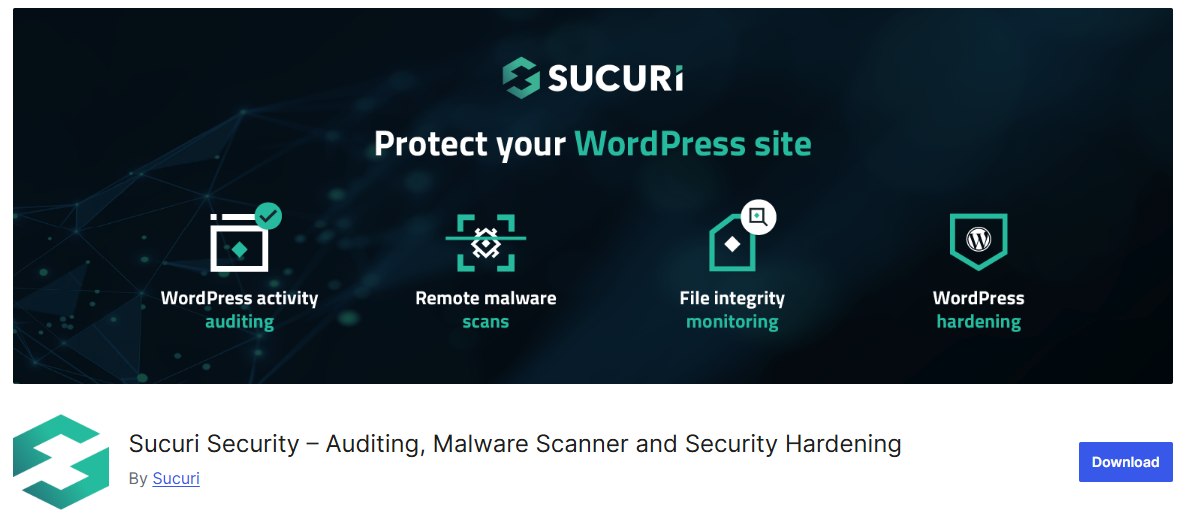
Another plugin that I’ve personally used and trust is Sucuri Security. It’s a bit different from Wordfence, but still very powerful even in its free version. What I like about it is how it focuses on monitoring and keeping your site’s integrity in check.
One of the main features in the free version is file integrity monitoring. It keeps an eye on your WordPress core files and alerts you if anything changes unexpectedly. This is super helpful because unauthorized changes are often a sign of a security issue.
You also get a built-in malware scanning feature, although it works slightly differently. Instead of scanning everything locally like some plugins, Sucuri checks your site from the outside for known malware, blacklist status, and security issues. It’s like seeing your site the way search engines and visitors see it.
Another useful feature is security activity auditing. The plugin logs important actions on your site, like login attempts, file changes, and plugin updates. If something goes wrong, you can easily trace what happened and when.
The free version also includes some basic hardening options. With just a few clicks, you can apply recommended security tweaks like disabling file editing or protecting sensitive files. It’s great if you don’t want to mess with code manually.
Overall, Sucuri is a great companion plugin, especially if you want strong monitoring and visibility. It may not have a full firewall in the free version, but it does a great job helping you detect and respond to potential threats early.
3. Solid Security
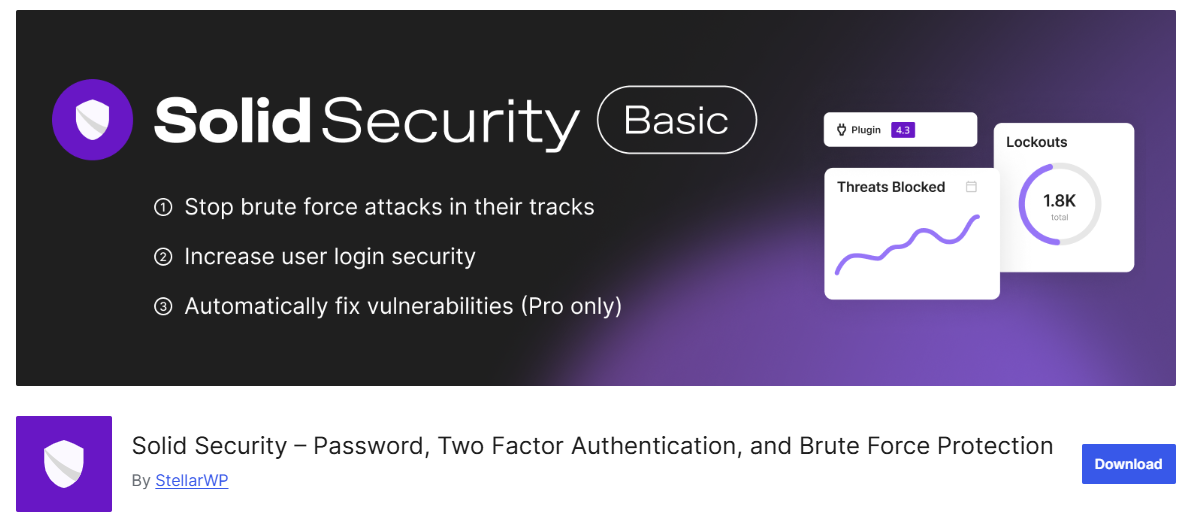
The next plugin on my list is Solid Security, which you might recognize by its old name, iThemes Security. It’s basically the same plugin, just rebranded under a new name as part of a bigger product update.
What I personally like about this plugin is its focus on WordPress hardening. Instead of trying to do everything, it helps you lock down common vulnerabilities before they get exploited. It’s more about prevention and making your site a harder target rather than reacting after something happens.
In the free version, you already get strong login protection features. It includes brute force protection that automatically blocks repeated failed login attempts. It can even use a network-based system to block known bad IPs across multiple sites.
Another useful feature is two-factor authentication (2FA). This adds an extra layer of security to your login process, so even if someone guesses your password, they still can’t get in. You can set it up using apps, email, or backup codes depending on your preference.
You also get file change detection in the free version. The plugin monitors your site and notifies you if important files are modified unexpectedly. This is really helpful for spotting suspicious activity early, even if it doesn’t directly remove malware.
On top of that, Solid Security comes with several hardening options you can enable with just a few clicks. Things like disabling file editing, enforcing strong passwords, and hiding sensitive areas of your site make a big difference over time. Overall, I see this plugin as a great foundation layer that pairs well with other security tools.
4. AIOS
The next plugin I recommend is AIOS, which is basically the modern version of the old All In One WP Security & Firewall plugin. It’s been improved and maintained under a shorter name, but the core idea is still the same. You get a wide range of security features packed into one free plugin.
One thing I really like about AIOS is how it organizes everything clearly. It uses a points-based system to show your current security level and suggests what you can improve. This makes it much easier to understand what actions actually matter, especially if you’re not super technical.
In the free version, you get strong login security features. You can limit login attempts, add CAPTCHA to login and registration forms, and even enable two-factor authentication. These features alone already help block most basic attacks.
AIOS also includes a built-in firewall with different protection levels. You can activate rules to block malicious requests, prevent hotlinking, and secure your site from common vulnerabilities. It’s not overly complicated, which is something I personally appreciate.
Another useful feature is file and database security. The plugin can monitor file changes and alert you if something suspicious happens. It also lets you apply basic database protections, like changing table prefixes to make attacks harder.
Overall, I see AIOS as a solid all-in-one security plugin for beginners and intermediate users. It covers a lot of ground without being overwhelming. If you want a balanced mix of protection and simplicity, this is definitely worth trying.
5. WP Cerber Security
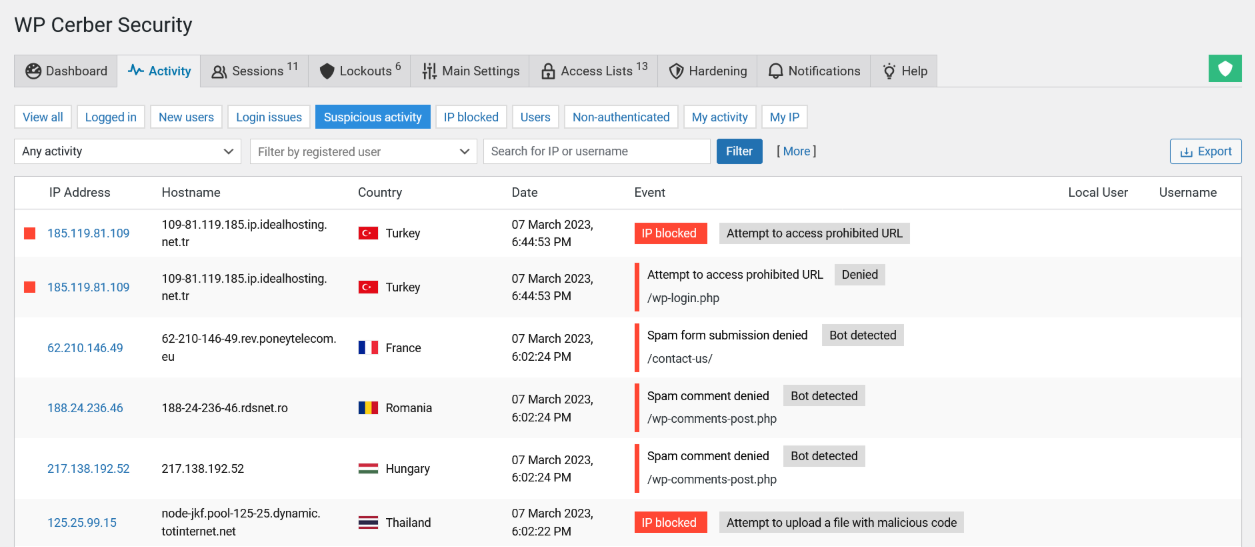
Another plugin that I’ve been using lately is WP Cerber Security. It’s not always as widely talked about as some others, but it’s actually very powerful. What stood out to me is how focused it is on blocking unauthorized access right from the start.
The core strength of WP Cerber in the free version is its login protection system. It aggressively blocks brute-force attacks by limiting login attempts and automatically locking out suspicious IP addresses. It also tracks failed logins very closely, which helps you see patterns of attack.
You also get a malware scanner included for free. It scans files and detects malicious code or unexpected changes in your WordPress installation. If something looks suspicious, you’ll get notified so you can investigate further.
Another feature I find useful is the traffic inspection capability. WP Cerber monitors incoming requests and can block malicious activity in real time. It works like a lightweight firewall that filters out bad traffic before it becomes a problem.
The plugin also includes user activity tracking. You can see what’s happening on your site, from login attempts to changes made by users. This is especially helpful if you manage a site with multiple users or contributors.
Overall, WP Cerber feels like a more security-focused and slightly stricter plugin compared to others. It might take a bit of time to understand all the settings, but once it’s set up, it does a really good job at protecting your site from common threats.
6. BBQ Firewall

The next plugin I want to include here is BBQ Firewall. Unlike most other security plugins on this list, this one is super lightweight and very focused. It doesn’t try to do everything, but what it does, it does really well.
BBQ Firewall works as a simple firewall that blocks malicious requests before they can even interact with your site. It filters out bad queries, suspicious URLs, and common exploit patterns. The best part is that it runs quietly in the background without needing much configuration.
In the free version, you get protection against things like SQL injection attacks, executable file uploads, and bad request strings. It also blocks known malicious user agents and referrers. These are common attack methods, so having this layer helps a lot.
What I personally like is how lightweight it is. It doesn’t add unnecessary features or a complicated dashboard. If you want something that just works without slowing down your site, this is a great option.
There’s basically no setup required, which makes it beginner-friendly. You just install, activate, and let it do its job. It’s perfect if you don’t want to deal with too many settings.
Overall, I see BBQ Firewall as a great additional layer rather than a complete security solution. It works really well when combined with other plugins on this list. Simple, fast, and effective for what it’s designed to do.
7. Loginizer
The last plugin on this list is Loginizer. This one is much more focused compared to others, but that’s exactly why I like it. Instead of trying to cover everything, it specializes in protecting your login page.
In the free version, Loginizer offers strong brute-force protection. It limits login attempts and automatically blocks IP addresses after multiple failed tries. This alone can stop a huge percentage of common attacks targeting WordPress sites.
You also get features like blacklist and whitelist controls. This allows you to block specific IPs or only allow trusted ones to access your login page. It’s a simple but effective way to tighten access control.
Another useful feature is the ability to log login attempts. You can see who’s trying to access your site and when those attempts happen. This gives you better visibility and helps you spot suspicious behavior early.
Loginizer also includes options like two-factor authentication and reCAPTCHA integration in the free version. These add an extra layer of protection beyond just passwords. It’s especially useful if you want to secure admin accounts more strictly.
Overall, Loginizer is a great lightweight addition if your main concern is login security. It doesn’t overlap too much with other plugins, so it’s easy to combine with them. If you want a simple way to protect your login page, this plugin does the job really well.
Final Thoughts
At the end of the day, securing your WordPress site doesn’t have to be complicated or expensive. With the right combination of free plugins, you can already build a strong defense against most common threats. What matters more is how you use them, not how many you install.
Personally, I prefer keeping things simple and focused. Instead of stacking too many plugins, I choose a few that cover different areas like firewall, malware scanning, and login protection. This approach keeps my site secure without sacrificing performance or creating unnecessary conflicts.
If you’re just getting started, don’t overthink it. Pick one or two plugins from this list, set them up properly, and improve your security step by step. Over time, you’ll find the setup that works best for your site and gives you peace of mind.