




Free WordPress Membership Plugins – Building a community around your website is one of the best ways to grow long-term. It’s not just about getting traffic, but about creating a space where people actually want to come back. I’ve seen how powerful this can be once you start building a loyal audience.
At first, I thought creating a membership site would be complicated. It sounded like something that required custom coding or expensive tools. But once I explored WordPress plugins, I realized there are plenty of free options that make everything much easier.
Membership plugins allow you to restrict content, manage users, and create exclusive areas on your site. This means you can offer premium content, courses, or even a private community. It’s a great way to add more value to your website.
What I personally like is how flexible these plugins are. You can build anything from a simple members-only section to a full membership platform. And the best part is, you can start small and expand as your site grows.
Of course, not all membership plugins are the same. Some focus on simplicity, while others offer more advanced features like subscriptions and content dripping. That’s why choosing the right one depends on what you actually need.
Before we go further, I want to clarify something important. When I mention WordPress here, I’m referring to WordPress.org, not WordPress.com. The self-hosted version gives you full control to install membership plugins and customize your site freely.
If you’re still new and a bit confused about the difference, I’ve already explained it in another article called “What is WordPress?”. That guide will help you understand everything in a simple and beginner-friendly way before you dive deeper into building your community.
5 Free WordPress Membership Plugins
Before we jump into the list, I want to set the right expectation. You don’t need to install all the membership plugins I’m about to mention here. Most of them offer similar core features, so picking one that fits your needs is usually enough.
From my experience, it’s better to start simple. Choose a plugin that lets you create member areas, restrict content, and manage users easily. You can always upgrade or switch later as your community grows.
It’s also important to think about what kind of membership site you want to build. Are you creating a private blog, an online course, or a paid community? Having a clear goal will help you choose the right plugin faster.
If you’re new and not sure how to install plugins, don’t worry. I’ve already written a guide called “How to Install a WordPress Plugin” that walks you through everything step by step. Once you’re ready, let’s move on to the first plugin on the list.
1. Simple Membership
The first plugin I recommend is Simple Membership. This is one of the best fully free membership plugins you can start with. I’ve seen many beginners use it because it’s simple but still powerful enough for most needs.
What makes Simple Membership stand out is that it already includes essential membership features out of the box. You can create membership levels, restrict content, and manage users without needing extra add-ons. It’s a great starting point if you want something straightforward.
In the free version, you can create both free and paid memberships. This means you can offer exclusive content or even monetize your site if you want. It also supports payment integrations like PayPal for basic setups.
Another useful feature is content protection. You can easily restrict posts, pages, or categories based on membership levels. This gives you full control over who can access your content.
The plugin also includes basic user management tools. You can track members, manage accounts, and control access without confusion. Everything is designed to be simple and easy to understand.
What I personally like is that it doesn’t overwhelm you with too many features. It focuses on the core things you actually need to build a membership site. That makes it perfect for beginners who just want to get started.
Overall, Simple Membership is a solid free plugin that covers all the basics. It’s lightweight, easy to use, and reliable for building a community. If you want a no-cost way to start a membership site, this is one of the best options available.
2. Ultimate Member
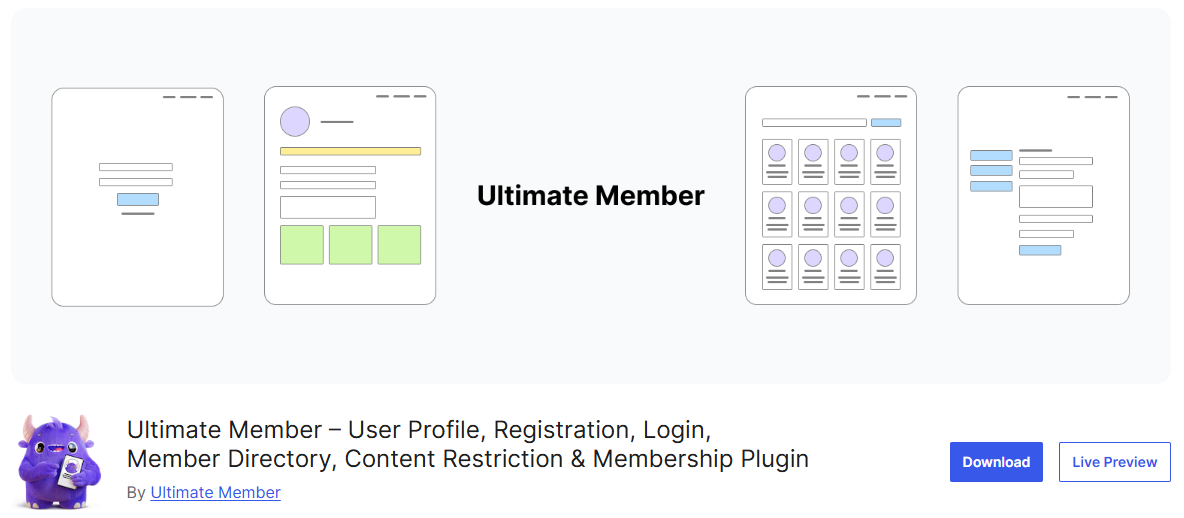
The next plugin I recommend is Ultimate Member. This plugin is very popular for building community-based websites, especially if you want user profiles and social features. I’ve seen it used a lot for membership sites, directories, and even small social networks.
What makes Ultimate Member stand out is its focus on front-end user experience. Users can register, log in, and manage their profiles directly from the front end of your site. This makes your website feel more professional and user-friendly.
In the free version, you get features like user registration forms and customizable profile pages. You can design forms using a drag-and-drop builder, which is really helpful if you don’t want to deal with code. It’s flexible enough for most basic membership setups.
The plugin also includes content restriction features. You can control who can access specific pages or posts based on user roles. This is useful if you want to create members-only areas on your site.
Another feature I like is its extensibility. Even though the free version is already useful, you can expand it with extensions if needed. This makes it easy to grow your site over time without switching plugins.
Overall, Ultimate Member is a great choice if your focus is on building a community. It’s especially useful if you want user profiles and interaction features. For a free plugin, it offers a really solid foundation to get started.
3. ARMember (Free Version)
The next plugin I recommend is ARMember. This plugin offers a surprisingly rich set of features even in its free version. It’s a good option if you want something a bit more modern and flexible.
What makes ARMember stand out is its all-in-one approach. You can create membership plans, manage users, and restrict content from a single dashboard. It feels more like a complete system compared to simpler plugins.
In the free version, you can create multiple membership levels. This allows you to offer different types of access to your users. It’s useful if you want to separate free members and premium members.
The plugin also includes built-in form builders. You can create registration and login forms using a drag-and-drop interface. This makes it easier to customize your site without touching code.
Another useful feature is content restriction. You can control access to posts, pages, and even specific parts of your content. This gives you flexibility in how you structure your membership site.
ARMember also supports basic payment options in its free version. While advanced gateways are premium, you can still set up simple monetization. It’s a nice bonus if you plan to grow your site later.
Overall, ARMember is a powerful free membership plugin with a lot of features included. It’s a great choice if you want something more complete without paying upfront. If you like flexibility and control, this plugin is definitely worth trying.
4. Members
The next plugin I recommend is Members. This plugin is developed by MemberPress team, but the core plugin itself is completely free and available in the WordPress repository. It’s a great option if you want more control over user roles and permissions.
What makes Members stand out is its focus on user roles and capabilities. Instead of a full membership system with payments, it gives you precise control over who can access what. This makes it perfect for building a simple membership or private content site.
In the free version, you can create and customize user roles easily. You can decide exactly what each role can and cannot do on your site. This is very useful if you want to manage different types of members.
The plugin also includes content restriction features. You can limit access to posts, pages, or custom post types based on user roles. It’s a simple but effective way to create members-only content.
Another useful feature is its integration with the WordPress block editor. You can restrict specific blocks inside your content. This gives you more flexibility compared to restricting entire pages.
What I personally like is how lightweight and flexible it is. It doesn’t try to be an all-in-one solution, but it gives you strong control over access. That makes it very stable and easy to manage.
Overall, Members is a great choice if you want a simple and flexible membership setup. It’s fully free, reliable, and works well for content restriction. If you don’t need complex features, this plugin is definitely worth trying.
5. User Registration
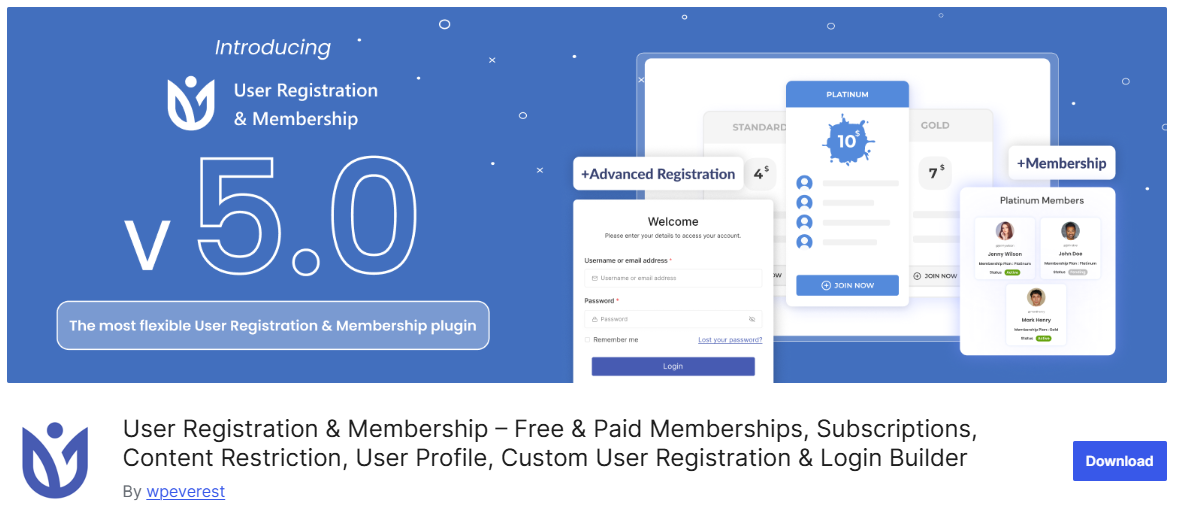
The last plugin on this list is User Registration. This plugin is a great option if you want to build a membership-style site starting from user registration forms. It’s beginner-friendly and very easy to set up.
What makes User Registration stand out is its drag-and-drop form builder. You can create custom registration forms without writing any code. This makes it perfect if you want full control over how users sign up on your site.
In the free version, you can create unlimited registration forms and customize fields. You can collect user information based on your needs. It’s flexible enough for most basic membership setups.
The plugin also allows you to assign user roles automatically after registration. This means you can control access to content right after someone signs up. It works well when combined with other role-based plugins.
Another useful feature is email notifications. The plugin can send automatic emails to users after they register. This helps improve user experience and keeps everything running smoothly.
User Registration also integrates well with other plugins and themes. You can easily connect it with your existing setup. This gives you more flexibility as your site grows.
Overall, User Registration is a solid free plugin for building the foundation of a membership site. It focuses on user onboarding and access control. If you want something simple and effective, this plugin is definitely worth trying.
Final Thoughts
Building a membership site might sound complicated at first, but it’s actually more accessible than ever with the right tools. With these free WordPress membership plugins, you can start creating a community without spending anything. The key is to begin with a simple setup and grow from there.
From my experience, you don’t need a perfect system right away. Just focus on creating value for your members, whether it’s exclusive content, a private area, or a small community. The plugin is just a tool, what really matters is how you use it.
It’s also important to choose a plugin that matches your goals. Some are better for content restriction, while others focus on user management or community features. Picking the right one will make everything easier as your site grows.
As your website develops, you can always expand your setup with more advanced features or integrations. But for now, starting with a reliable free plugin is already a great step forward. Keep it simple, stay consistent, and your community will grow over time.